Creating an Account
To get started with AI SmartTalk, follow these simple steps to create your account using Single Sign-On (SSO) from Google, WordPress, or by email:
Step 1: Visit Our Website
Navigate to AI SmartTalk registration page.
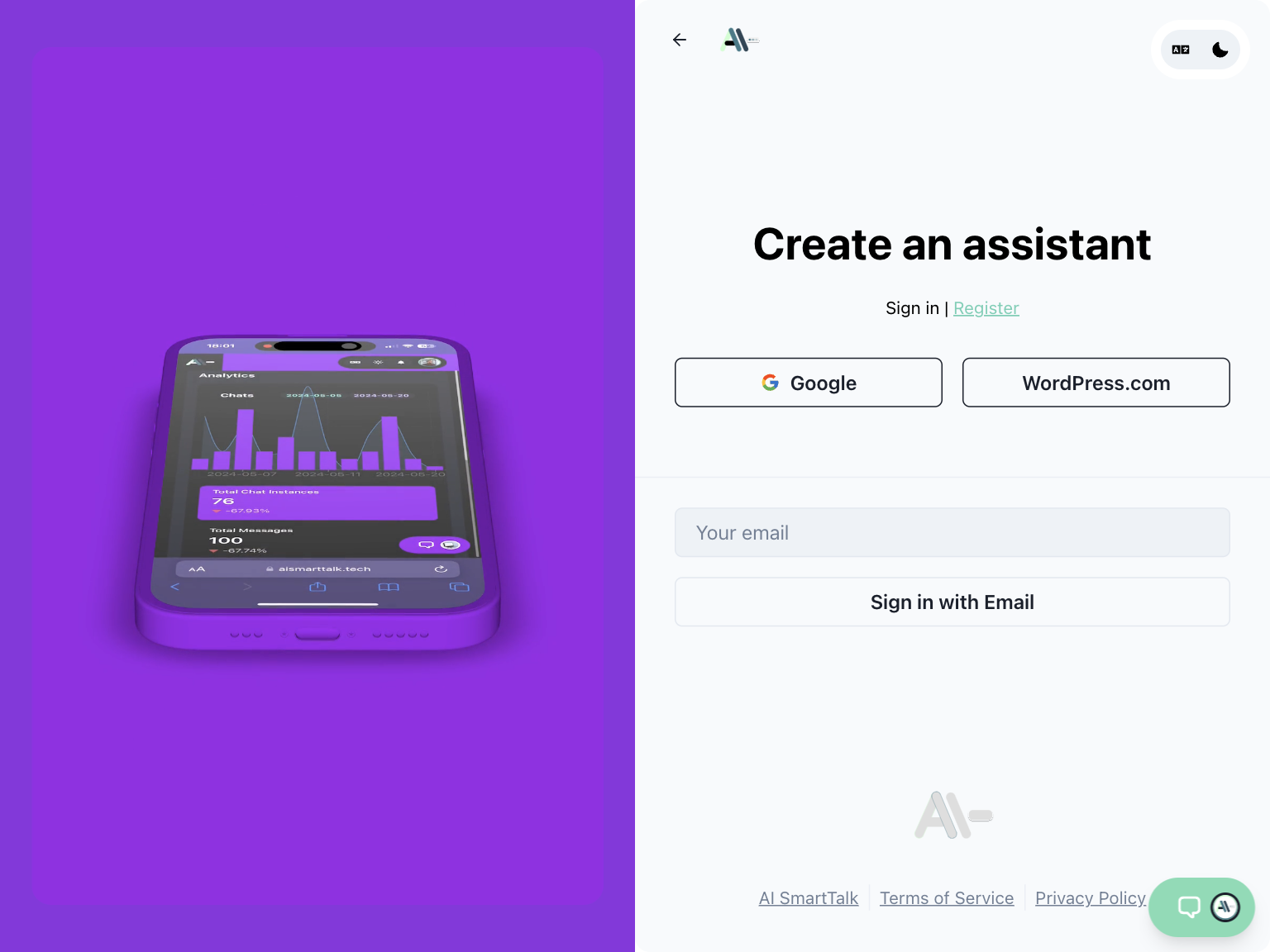
Step 2: Choose Your Sign-Up Method
You can sign up using one of the following methods:
- Google: Click on the 'Sign Up with Google' button.
- WordPress: Click on the 'Sign Up with WordPress' button.
- Email: Click on the 'Sign Up with Email' button.
Step 3: Authorize the Application
Depending on your chosen method, you will be prompted to authorize AI SmartTalk to access your basic account information:
- Google: Sign in with your Google account and grant the required permissions.
- WordPress: Log in to your WordPress account and authorize the application.
- Email: Enter your email address and verify it through the link sent to your inbox.
Step 4: Complete Your Profile
After authorization, you will be redirected to complete your profile. Fill in any additional details as required.
Step 5: Start Using AI SmartTalk
Once your profile is complete, you will be logged in to the AI SmartTalk dashboard where you can start setting up your AI agents.