🌐 Navigation Event Trigger
The Navigation Event Trigger activates a workflow when a user visits a specific page on your website. It’s ideal for initiating actions based on user behavior and enhancing engagement.
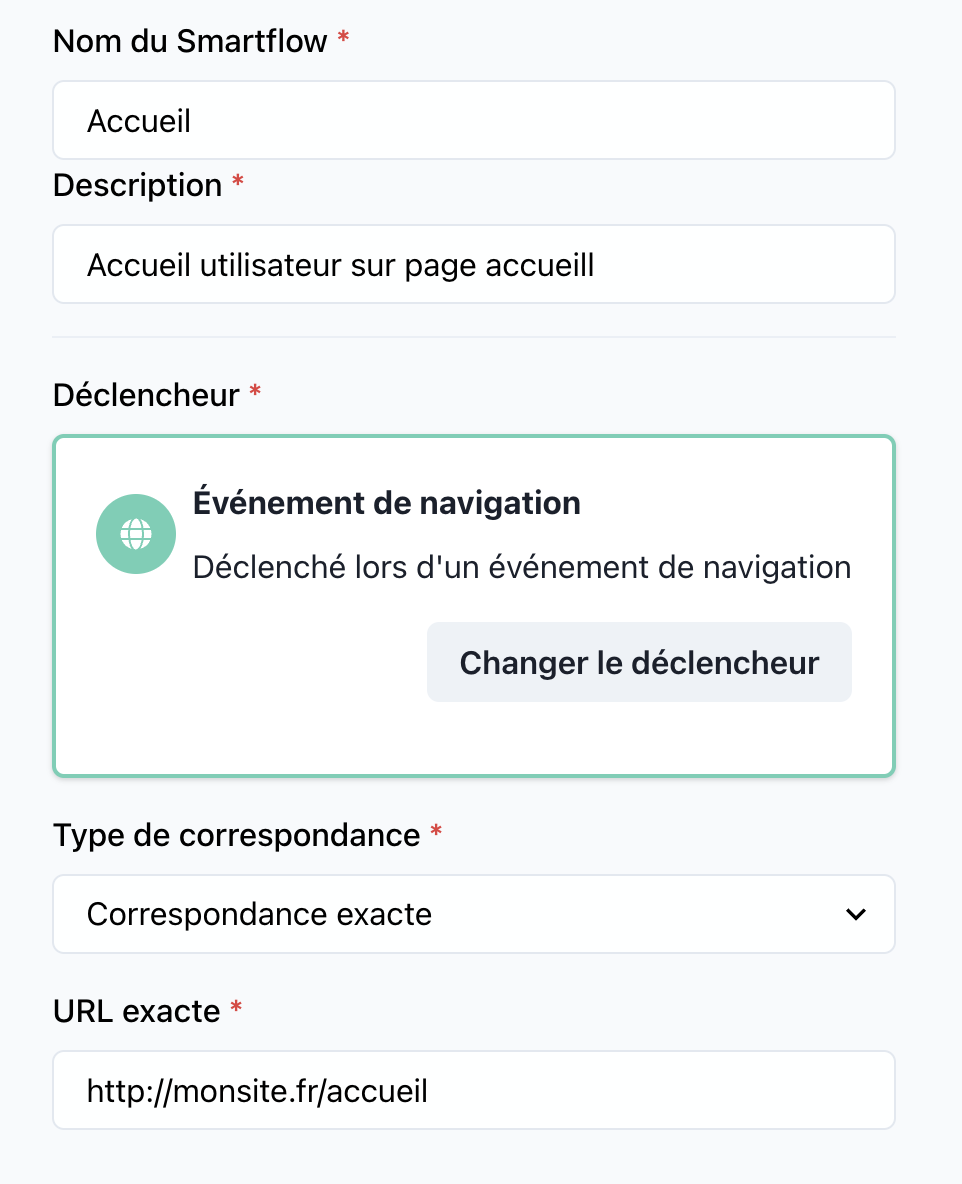
📝 Trigger Details
Name: Navigation Event
Category: Triggers
🔧 Parameters
-
Target URL
- Type:
string - Description: The specific URL or pattern to monitor for user visits.
Example:https://www.mysite.com/product-page - Required: Yes
- Type:
-
Trigger Options
- Type:
boolean - Description: Additional options, such as whether to include query parameters in the URL match.
- Default:
false
- Type:
🚀 How to Use
-
Add the Trigger to Your Workflow: Drag and drop the
Navigation Event Triggeronto the workflow canvas in SmartFlow. -
Set the Target URL: Specify the exact page URL or use patterns (e.g., wildcard matching) for dynamic cases.
-
Connect to Workflow Actions: Link the trigger to actions such as sending a chatbot message, starting a marketing campaign, or personalizing user experience.
💡 Use Cases
-
Launching a Chatbot: Automatically start a conversation when a user visits a product page.
-
Activating Marketing Actions: Trigger a pop-up or promotional offer when users land on a specific destination page.
-
Tracking Key Pages: Monitor user interactions with specific sections of your website for analytics or customer journey optimization.
🔍 Example Configuration
- Target URL:
"https://www.mysite.com/special-offer"
{
  "trigger": "NavigationEvent",
  "url": "https://www.mysite.com/special-offer",
}
🛠️ Best Practices
- Define Clear URLs: Ensure the URL patterns are precise to avoid unintentional triggers.
- Test Before Deploying: Use a test environment to verify that the trigger works as expected.
- Monitor Performance: Use analytics to assess the effectiveness of workflows initiated by this trigger.