Discord
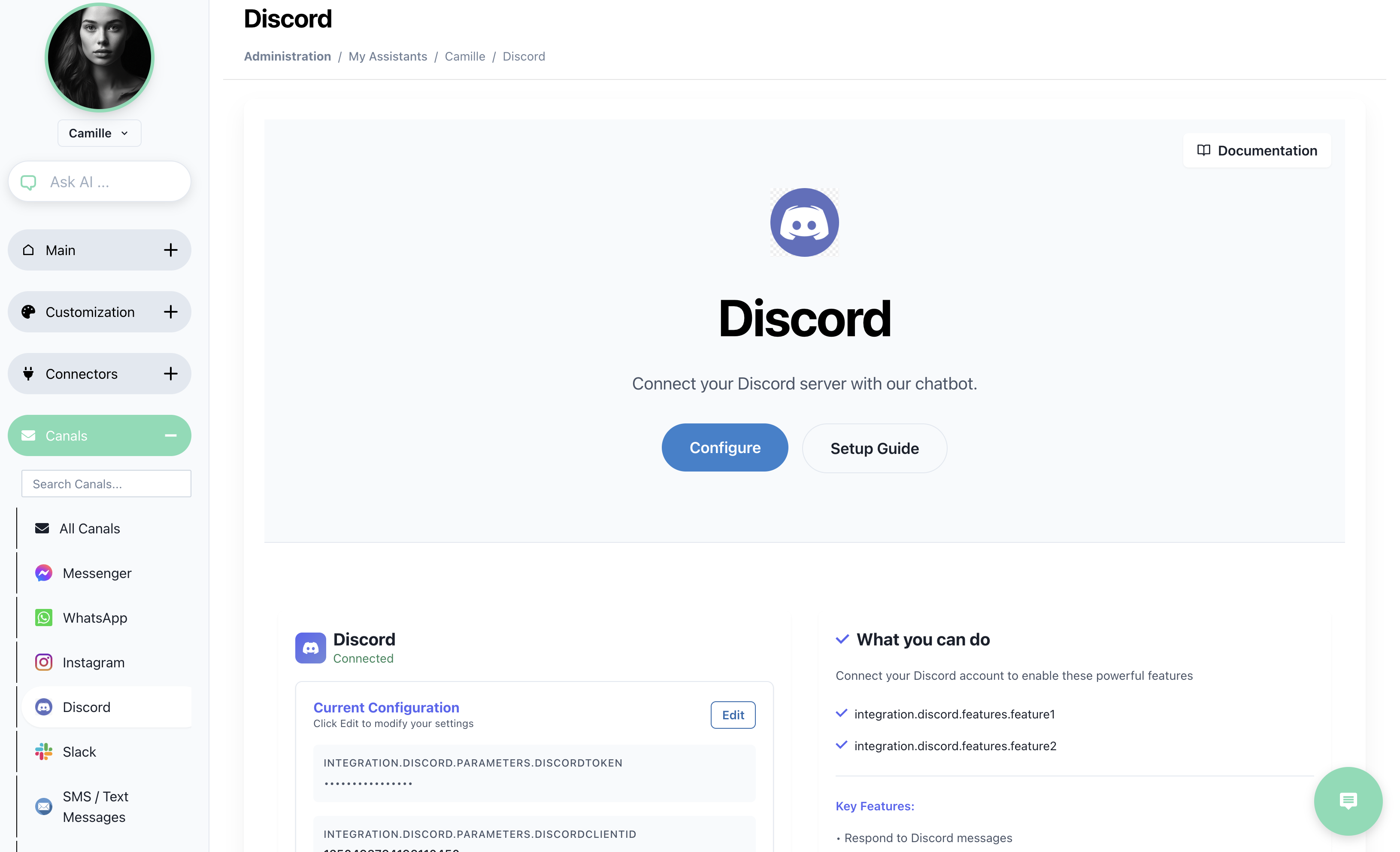
Integrate your AI SmartTalk chatbot with your Discord server to enhance communication and automate interactions within your server. Follow these steps to set up the integration.
Prerequisites
Before you begin, ensure you have the following:
- აქტიური AI SmartTalk ანგარიში.
- ადმინისტრაციული წვდომა თქვენს Discord სერვერზე.
- თქვენი Discord Token და Discord Client ID.
Step-by-Step Instructions
Step 1: Access the Discord Developer Portal
- Log into your Discord account and navigate to the Discord Developer Portal.
- Click on New Application in the top right corner.
- Enter a name for your application and click Create.
Step 2: Create a Bot
- In your newly created application, navigate to the Bot section on the left sidebar.
- Click on Add Bot and confirm by clicking Yes, do it!.
- Under the Bot section, you will find the Token. Click on Copy to save it for later use.
Step 3: Retrieve the Client ID
- Go to the OAuth2 section on the left sidebar.
- Under the General tab, you will see the Client ID. Copy this as well for later use.
Step 4: Configure Bot Permissions
- In the OAuth2 section, go to the URL Generator tab.
- Under Scopes, select bot.
- Under Bot Permissions, select the permissions your bot will need. Typically, you will need permissions such as:
- Send Messages
- Read Messages
- Manage Messages (optional)
- Copy the generated URL and paste it into your browser. This will allow you to add the bot to your server.
Step 5: Configure in AI SmartTalk
- Log into your AI SmartTalk account.
- Navigate to the Integration section in the back office.
- Select the Discord integration option.
- Enter your Discord Token and Discord Client ID in the corresponding fields.
- Click Validate to check the connection.
- Once validated, click Save to apply the configuration.
Step 6: Contact for Hosting Support
If you require hosting for your Discord bot, please contact us at contact@aismarttalk.tech for assistance.
Common Issues
Validation Fails
- Ensure that the Discord Token and Client ID are entered correctly.
- Verify that your Discord account has the necessary permissions to create and manage bots.
Bot Not Responding
- Check that the bot has been added to the server with the correct permissions.
- Ensure the bot is online and running.
დამატებითი რესურსები
ამ ნაბიჯების დაცვით, თქვენ შეგიძლიათ წარმატებით ინტეგრირდეთ თქვენი AI SmartTalk ჩატბოტი თქვენს Discord სერვერთან, რაც თქვენს საზოგადოებას გაუმჯობესებულ ინტერაქტიულ გამოცდილებას მიაწვდებს.