Logging In to Your Account
To access your AI SmartTalk account, follow these simple steps:
Video tutorial
AI SmartTalk basics · sign in, language, dark mode (60s)
Step 1: Visit Our Sign-In Page
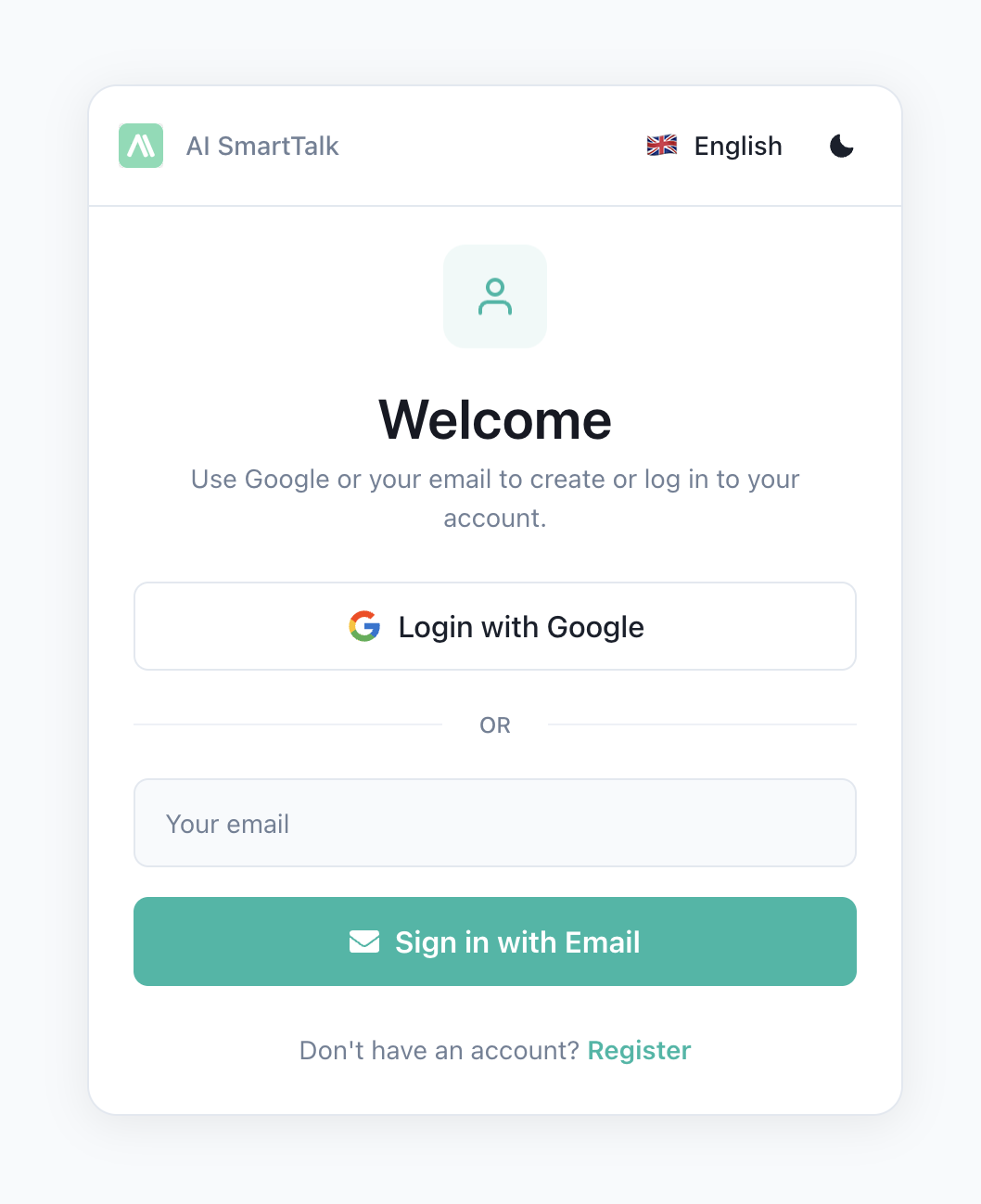
Navigate to the AI SmartTalk sign-in page.
Step 2: Choose Your Sign-In Method
You can sign in using one of the following methods:
- Google: Click on the 'Sign In with Google' button.
- WordPress: Click on the 'Sign In with WordPress' button.
- Email: Click on the 'Sign In with Email' button.
Step 3: Enter Your Credentials
Depending on your chosen method:
- Google: Sign in with your Google account.
- WordPress: Enter your WordPress login details.
- Email: Enter your email address. You'll receive a login link by email.
Step 4: Access Your Dashboard
Once signed in, you will be directed to your AI SmartTalk dashboard where you can manage your AI agents and settings.
If you encounter any issues during the sign-in process, please refer to our FAQ section or contact our support team for assistance.