New Gmail Integration: Turn Your Inbox Into an Intelligent Assistant
AI SmartTalk launches Gmail integration. Automate email responses, save 5+ hours per week, and improve customer satisfaction with an AI assistant that responds 24/7.
Read moreLet AI handle your email inbox. Automatically respond to customers, create smart drafts, and route important emails—all powered by your knowledge base. Works with Gmail and Google Workspace.
Everything you need to automate email communication while maintaining the personal touch.
AI reads and understands incoming emails, categorizes them by intent, and generates appropriate responses based on your knowledge base.
Choose automatic responses for simple queries or create drafts for human review before sending. You're always in control.
Use SmartFlow to route emails based on content, sender, or urgency. VIP customers, complaints, and urgent issues get special handling.
AI maintains full context across email threads. It remembers previous exchanges and provides consistent, contextual responses.
Email conversations appear alongside chat, Slack, and social messages in one inbox. Manage all customer communication in one place.
Build custom workflows for email handling. Create drafts, forward to teams, update CRM, or trigger follow-up sequences.
Reduce response times, handle volume, and deliver consistent support—without growing your team.
Respond to emails in seconds instead of hours. Customers get immediate assistance even outside business hours.
Process hundreds of emails without adding staff. AI handles routine queries so your team focuses on complex issues.
Email support never sleeps. Customers worldwide get responses regardless of time zones or holidays.
Every response follows your guidelines and uses accurate information from your knowledge base.
Complex issues route to humans. Draft mode lets you review AI responses before sending.
Configure auto-reply rules, review drafts, and customize AI behavior to match your brand voice.
Connect your inbox and start automating email responses in 3 simple steps.
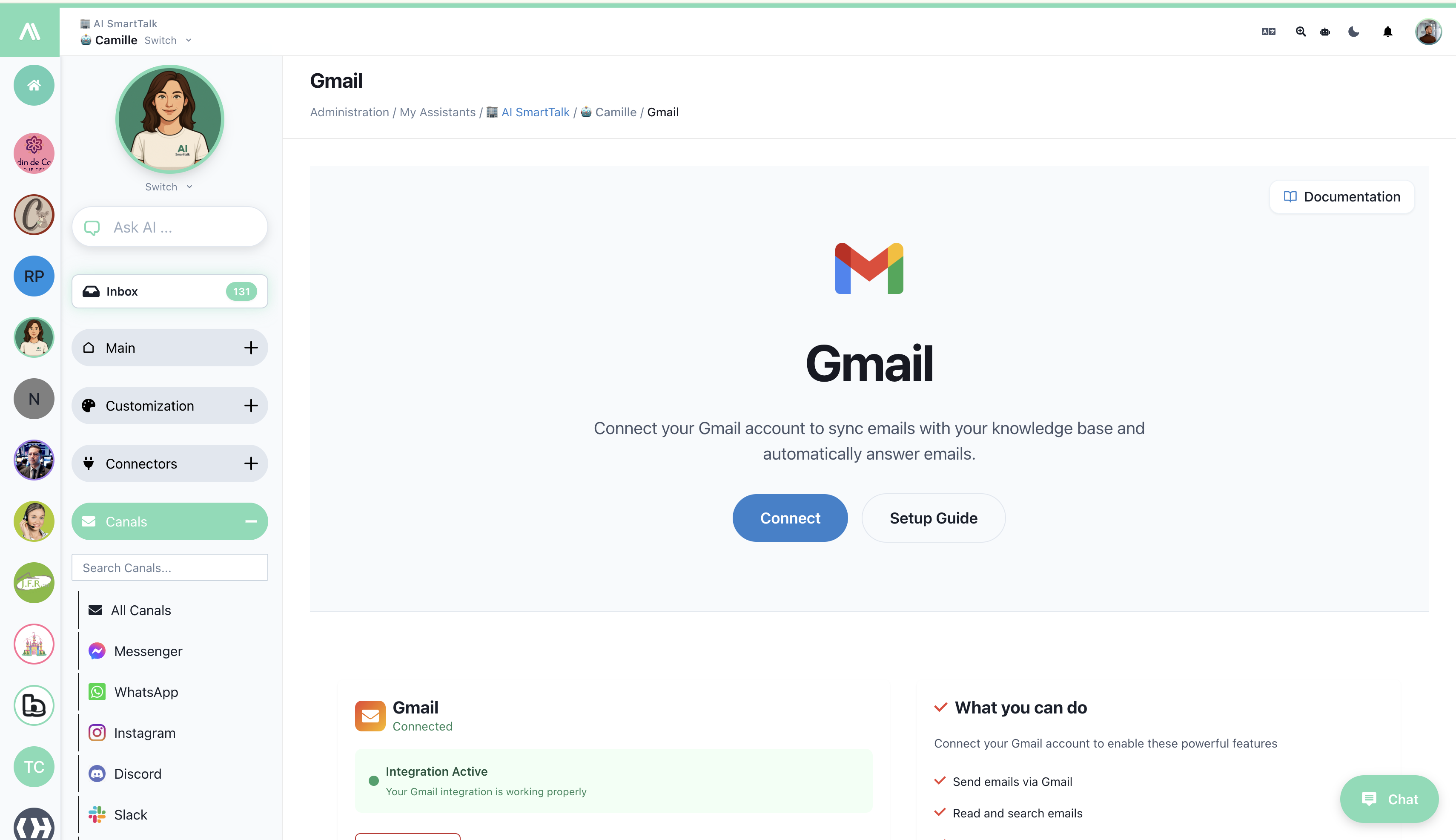
Go to the Gmail integration in AI SmartTalk and authorize your Gmail or Google Workspace account using OAuth. Your inbox will be securely connected.
Gmail integration guideIn the Gmail integration page, click the template button at the bottom right corner. Choose from pre-built templates for Draft mode, Auto-Reply mode, or create your custom workflow.
SmartFlow templatesSelect Draft mode to review AI responses before sending, Auto-Reply mode for instant automated responses, or customize the SmartFlow to create your own email handling logic.
Watch how AI handles customer email conversations professionally and accurately.
See how AI responds to customer support emails
AI Assistant
Online
AI SmartTalk is the omnichannel AI agent for your website, social networks, messaging apps, and e-commerce platforms. Deploy everywhere from a single dashboard.
Discover how businesses use AI email automation to improve customer experience and team efficiency.
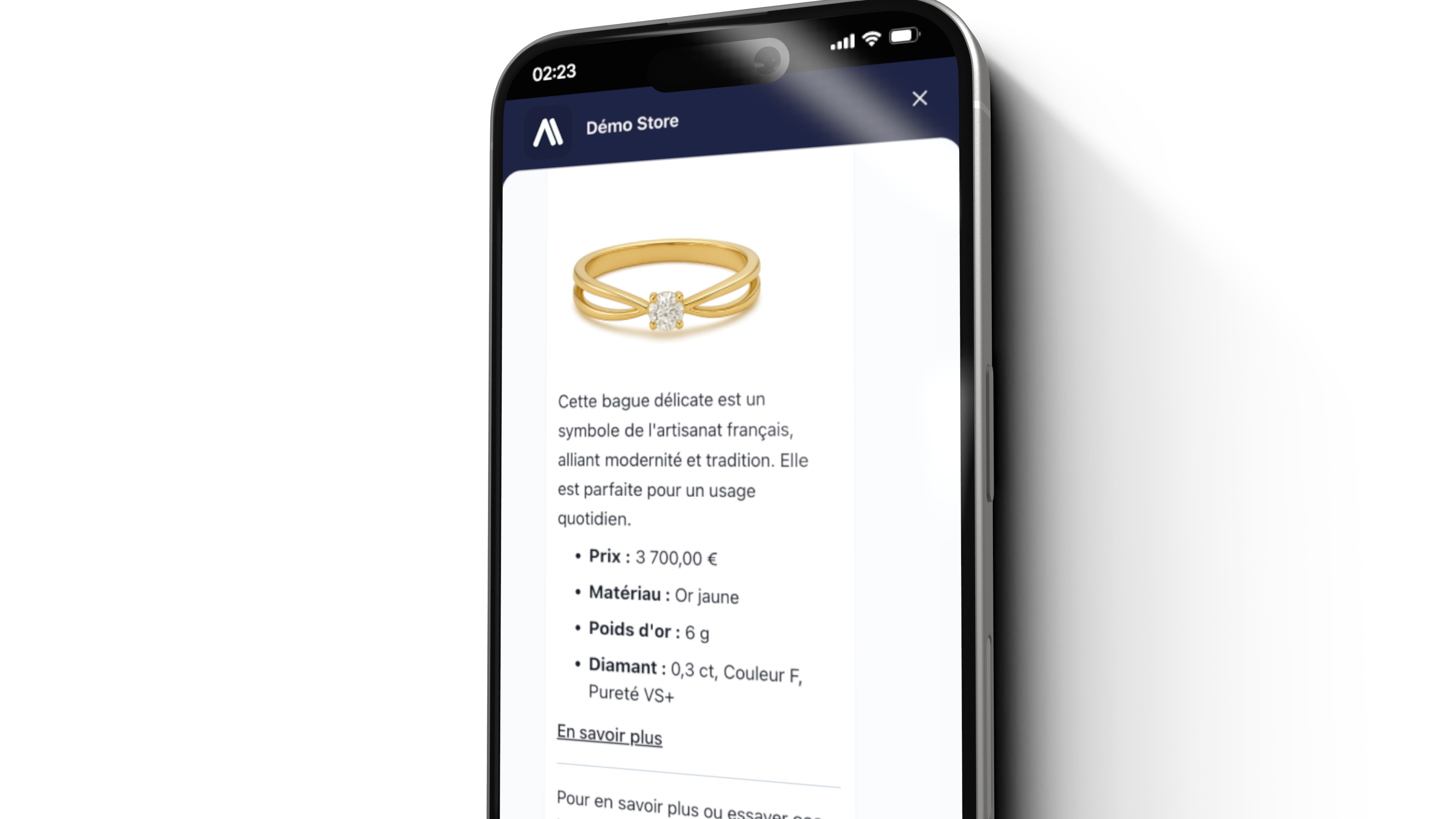
Handle customer inquiries automatically. AI responds to order questions, returns, shipping updates, and common support requests using your knowledge base.
Qualify leads, answer prospect questions, and schedule meetings automatically. AI drafts personalized responses using your sales playbook.
Common questions about Gmail email automation.
Go to the Gmail integration in AI SmartTalk and click Connect. Authorize your Gmail or Google Workspace account via OAuth. Then install a SmartFlow template from the bottom right corner to activate email automation.
Draft mode creates AI responses that you review and approve before sending. Auto-Reply mode sends responses automatically without human intervention. You can switch between modes or customize behavior using SmartFlow.
Yes! Use SmartFlow to create custom email workflows. You can route emails based on content, sender, or urgency, set up different responses for different types of emails, and integrate with your CRM or other tools.
The AI processes incoming emails to generate responses but does not store your email history. It uses your knowledge base to provide accurate answers. All data is processed securely and GDPR compliant.
Yes! AI SmartTalk works with both personal Gmail accounts and Google Workspace (formerly G Suite) business accounts. Connect any Gmail inbox to start automating email responses.
Ready to transform email support? Connect Gmail and let AI handle the routine while you focus on what matters.
Have questions or ready to learn more? Our team is here to help you find the right solution for your business.
Schedule a time using our calendar to see our platform in action.
Deploy AI assistants that delight customers and scale with your business.