Chat
Prefer typing? Open a text conversation with your AI assistant. Responses appear in real time, word by word — like chatting with a colleague who knows everything about your business.
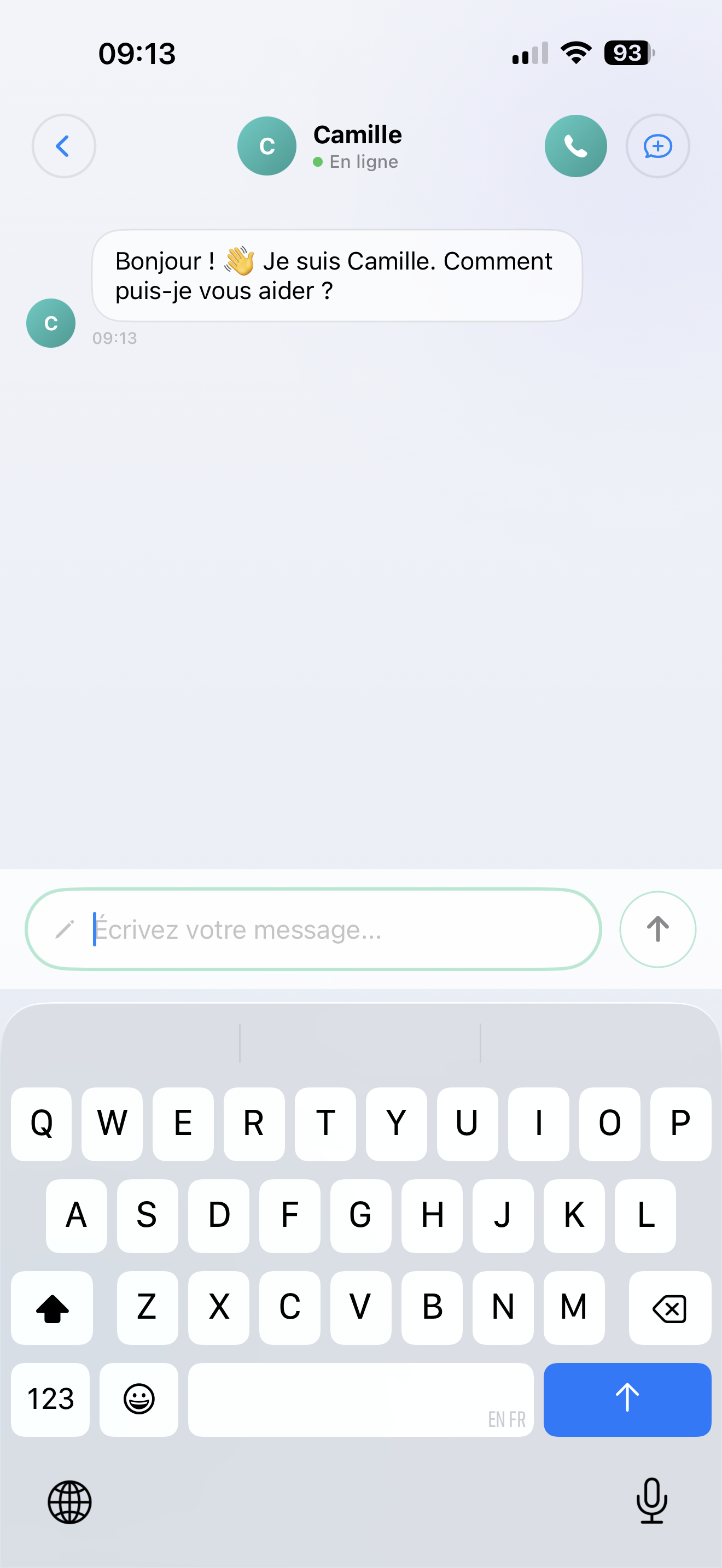
How it works
- Tap Chat on the Home screen
- Type your question or request
- Your AI responds instantly
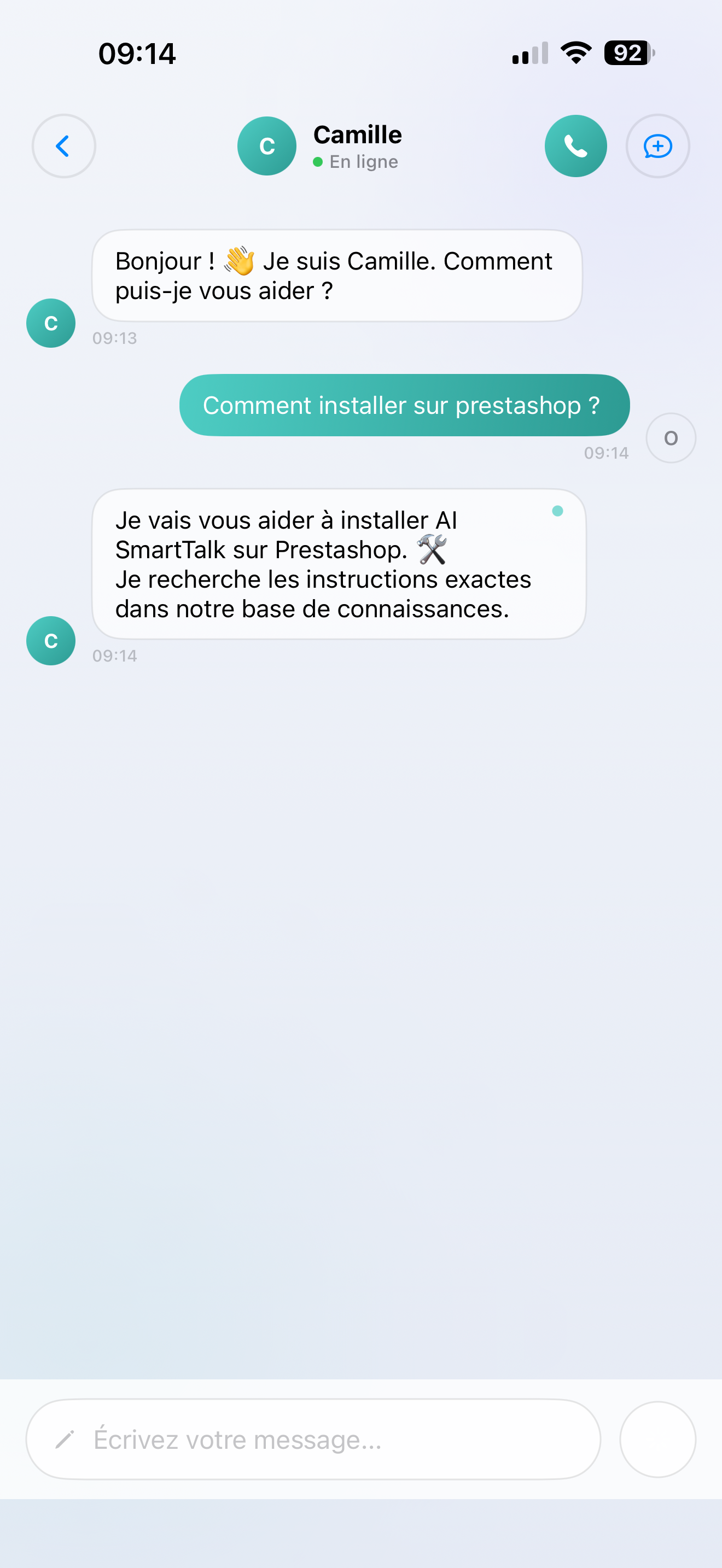
Answers appear as they're being written — you don't have to wait for the full response.
What your AI can do in chat
Your AI assistant uses everything you've set up:
- Your knowledge base — documents, FAQs, product catalogs
- Your workflows — custom automations you've built with SmartFlows
- Your tools — calendar, CRM, API connections, and more
It's the exact same AI as on your website chatbot — same knowledge, same personality, same capabilities.
Useful features
- Rich formatting — the AI can respond with bold text, bullet points, tables, and even code blocks
- Copy anything — easily copy parts of the response
- New conversation — tap "+" to start fresh on a new topic
- Saved automatically — every conversation goes to your History
Tips
- Ask follow-up questions — your AI remembers the context within a conversation
- Be specific — "What are our best-selling shoes under 100€?" works better than "Tell me about shoes"
- Start fresh when switching topics — tap "+" so the AI doesn't mix up contexts