History
Everything you do in the app is saved. Conversations, voice recordings, call transcripts — it's all in your History, ready to be reviewed anytime.
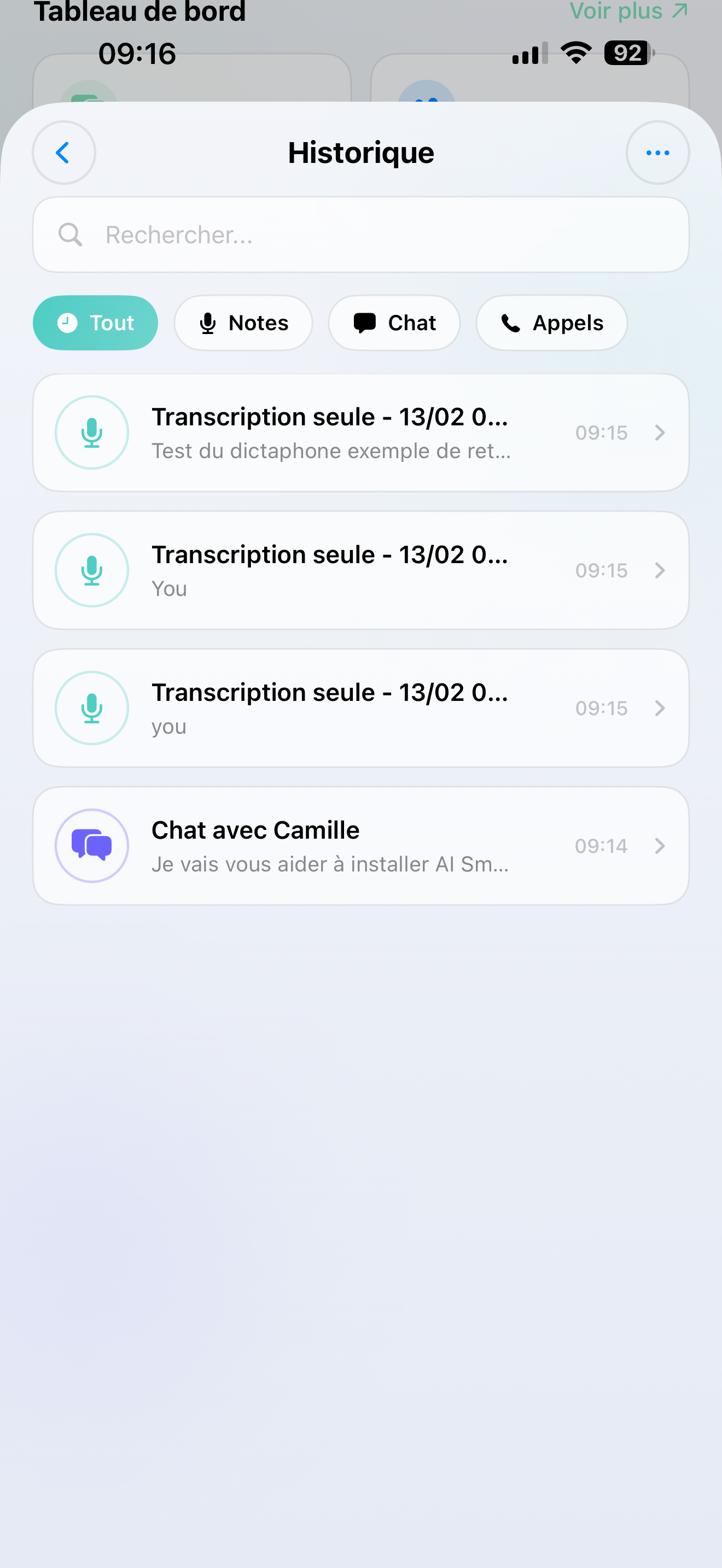
What's saved
| Type | What you'll find |
|---|---|
| Chat | Your text conversations with the AI |
| Dictaphone | Voice recordings with their transcription or AI result |
| Voice Call | Call transcripts — everything that was said |
Each entry shows the date, a preview, and (for recordings/calls) the duration.
Finding past conversations
- Tap History on the Home screen
- Scroll through your past interactions
- Tap any entry to see the full details
Good to know
- History is separate per assistant — switch accounts and you see that account's history only
- A quick stats summary at the top shows your total interactions and combined recording time
- Everything is saved automatically — you don't need to do anything