Getting Started
Up and running in under 2 minutes. No technical setup required.
1. Download the app
Download the app from the App Store (iOS) or Google Play (Android).
- iPhone: requires iOS 16 or later
- Android: available on Google Play
2. Sign in
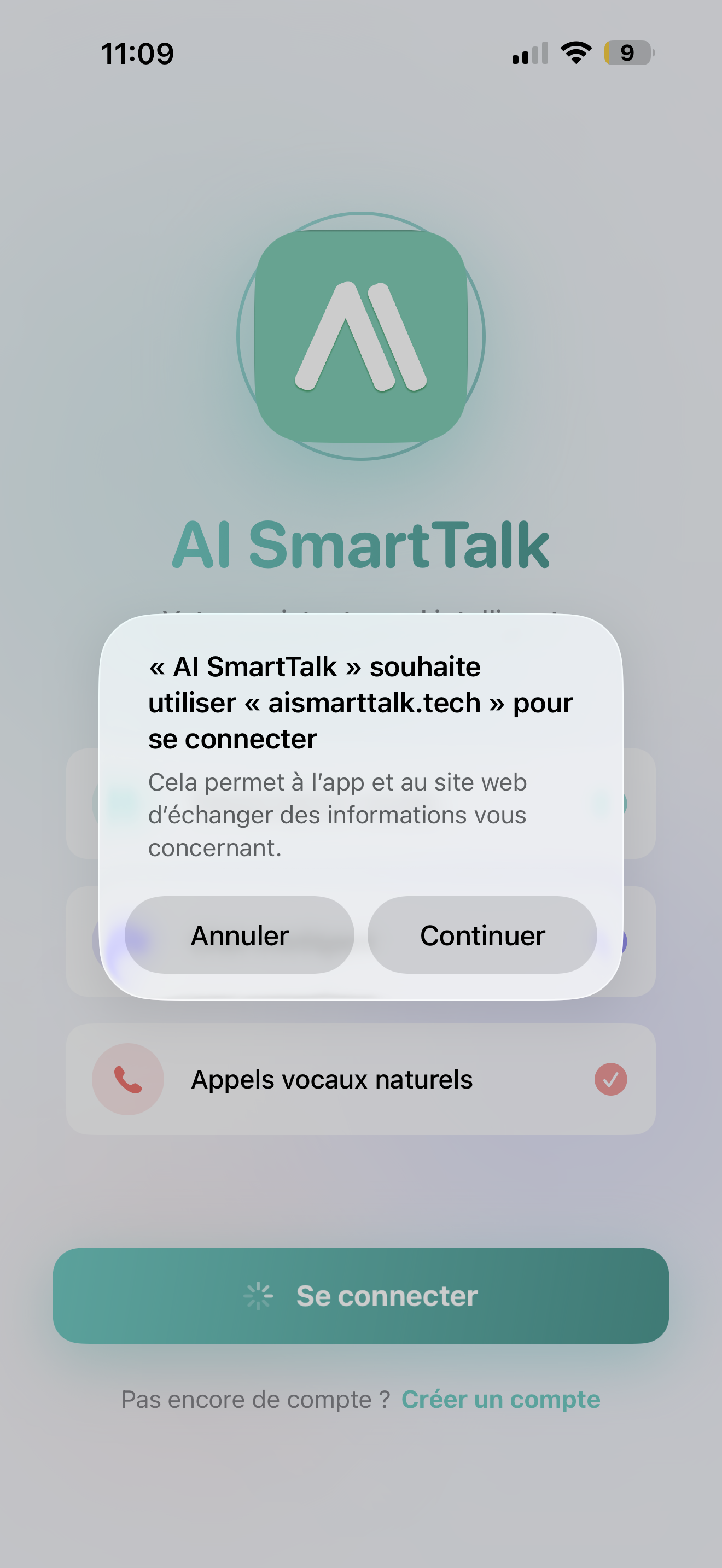
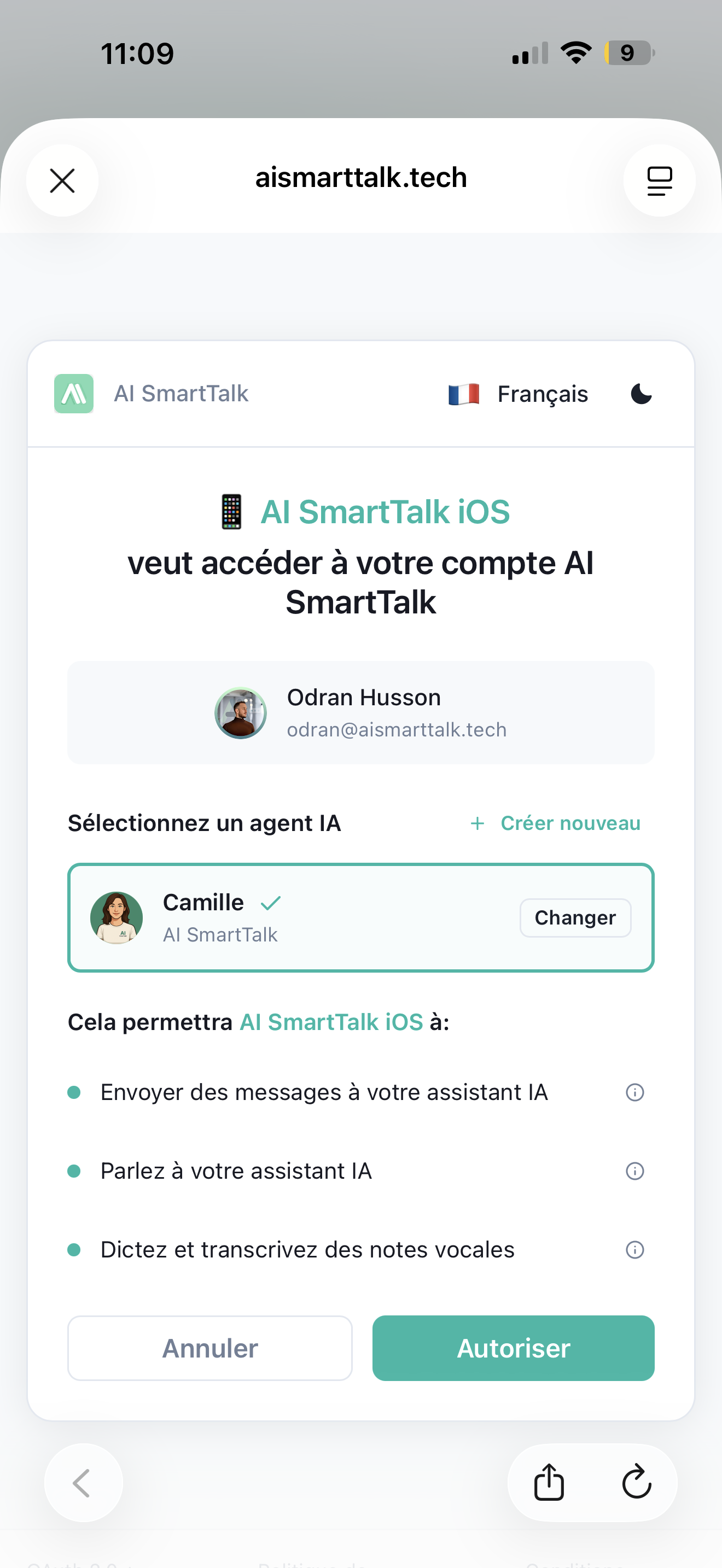
Tap "Connect with AI SmartTalk" — you'll be taken to the sign-in page in your browser. Use the same account you use on aismarttalk.tech (Google, email, or WordPress).
Once signed in, you're automatically redirected back to the app. Done.
Don't have an account yet?
Tap "Sign up" to create one for free. You'll be able to set up your first AI assistant right away.
3. Allow permissions
The app will ask for two things:
- Microphone — needed if you want to use voice calls or the dictaphone. You can skip this and still use chat and inbox.
- Notifications — so you get alerted when customers send messages. Highly recommended.
You can always change these later in your iPhone Settings.
4. You're in!
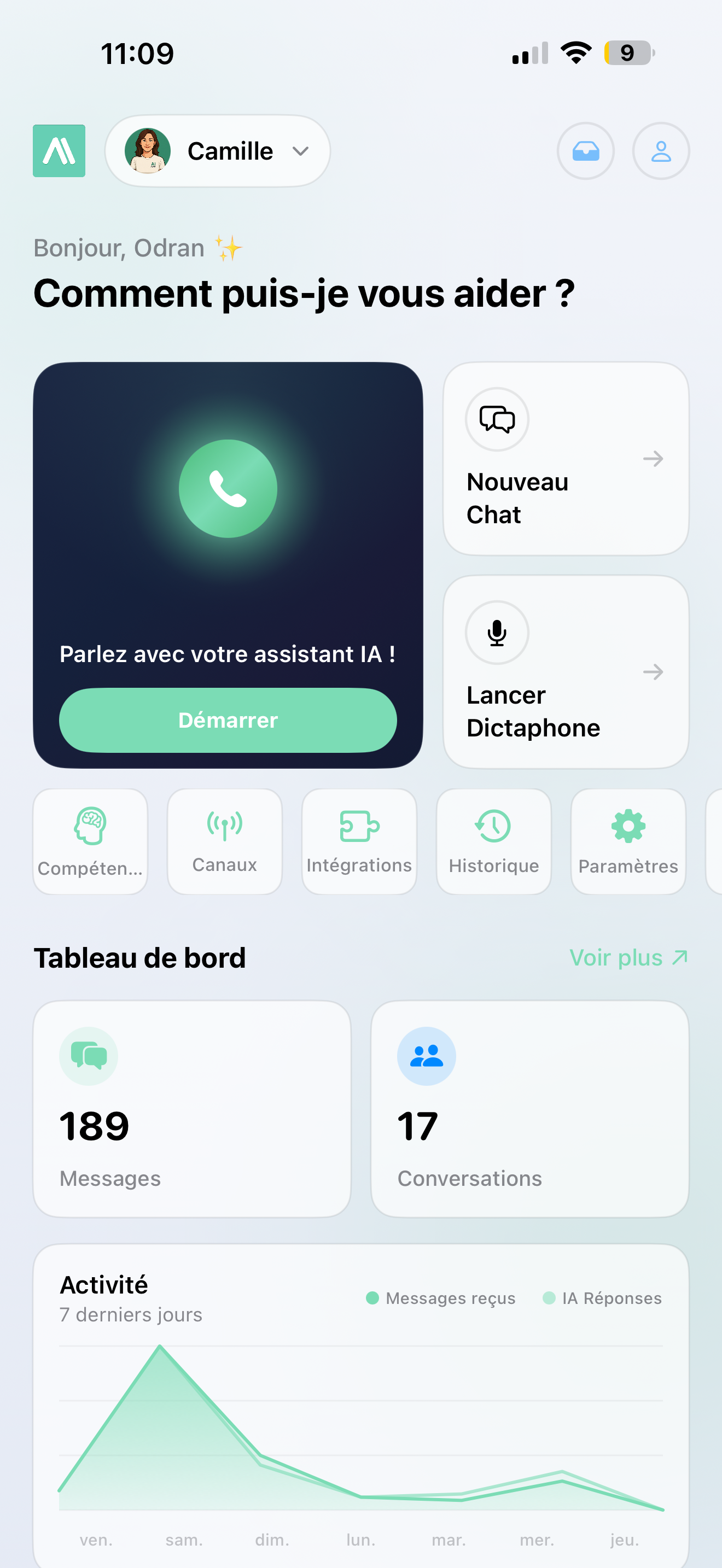
You land on your Home screen with everything at your fingertips:
- Your dashboard with live stats
- Quick access to inbox, chat, voice call, and more
- Your AI assistant's name and avatar at the top
Tap any card to explore. Welcome aboard!