Dictaphone
Record your voice and let your AI do the rest. Get a clean transcription, a meeting summary, a translation — whatever you need. Just speak.
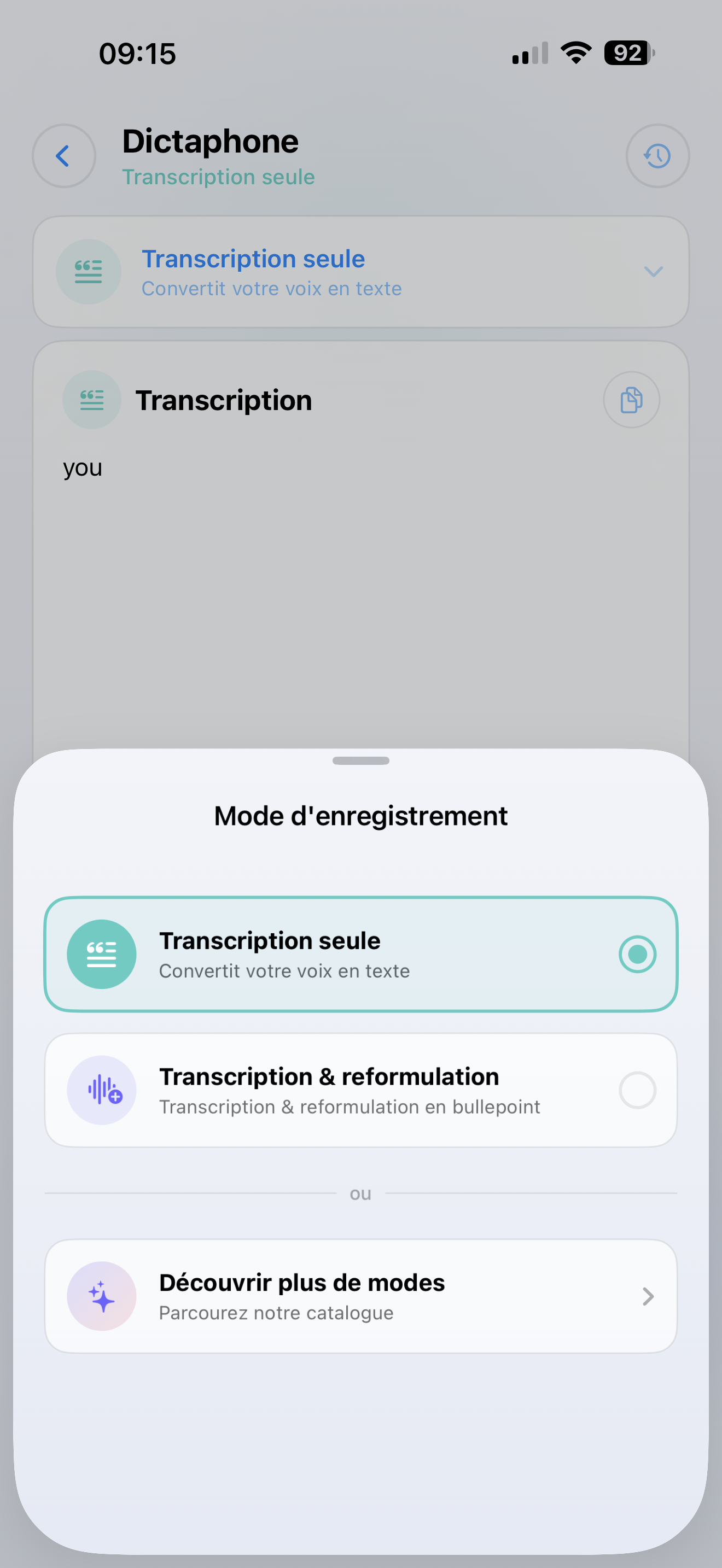
Two ways to use it
Simple transcription
Just turn your voice into text. Great for:
- Quick notes on the go
- Dictating emails or messages
- Capturing ideas before you forget them
AI-powered processing
Record your voice, then let a SmartFlow process it. For example:
- Summarize a meeting in 3 bullet points
- Translate what you said into another language
- Extract action items from a brainstorm session
- Rewrite messy spoken notes into a clean document
How to use it
Recording
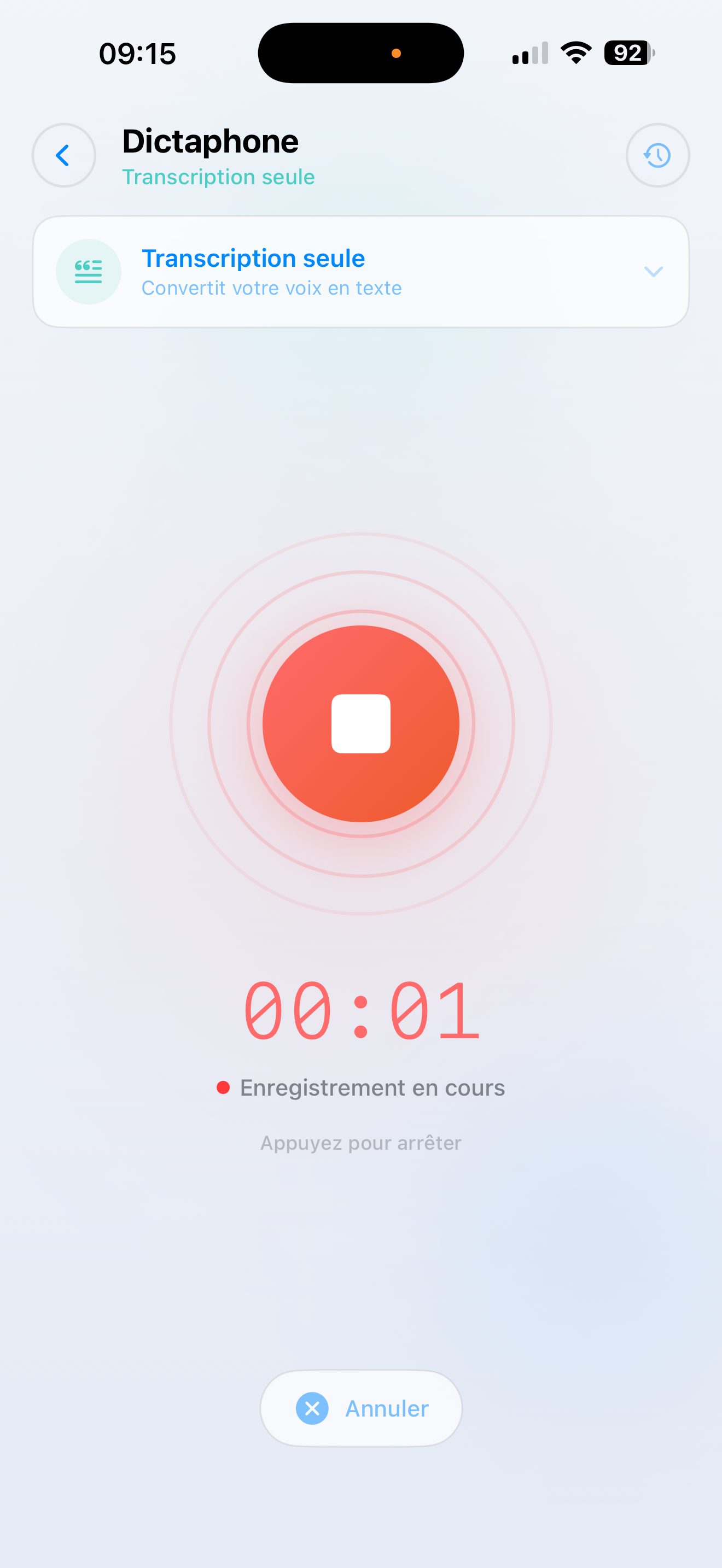
- Tap Dictaphone on the Home screen
- Choose a SmartFlow — or pick "Transcription only" for simple text
- Recording starts right away — just speak
- Tap stop when you're done
Getting your result
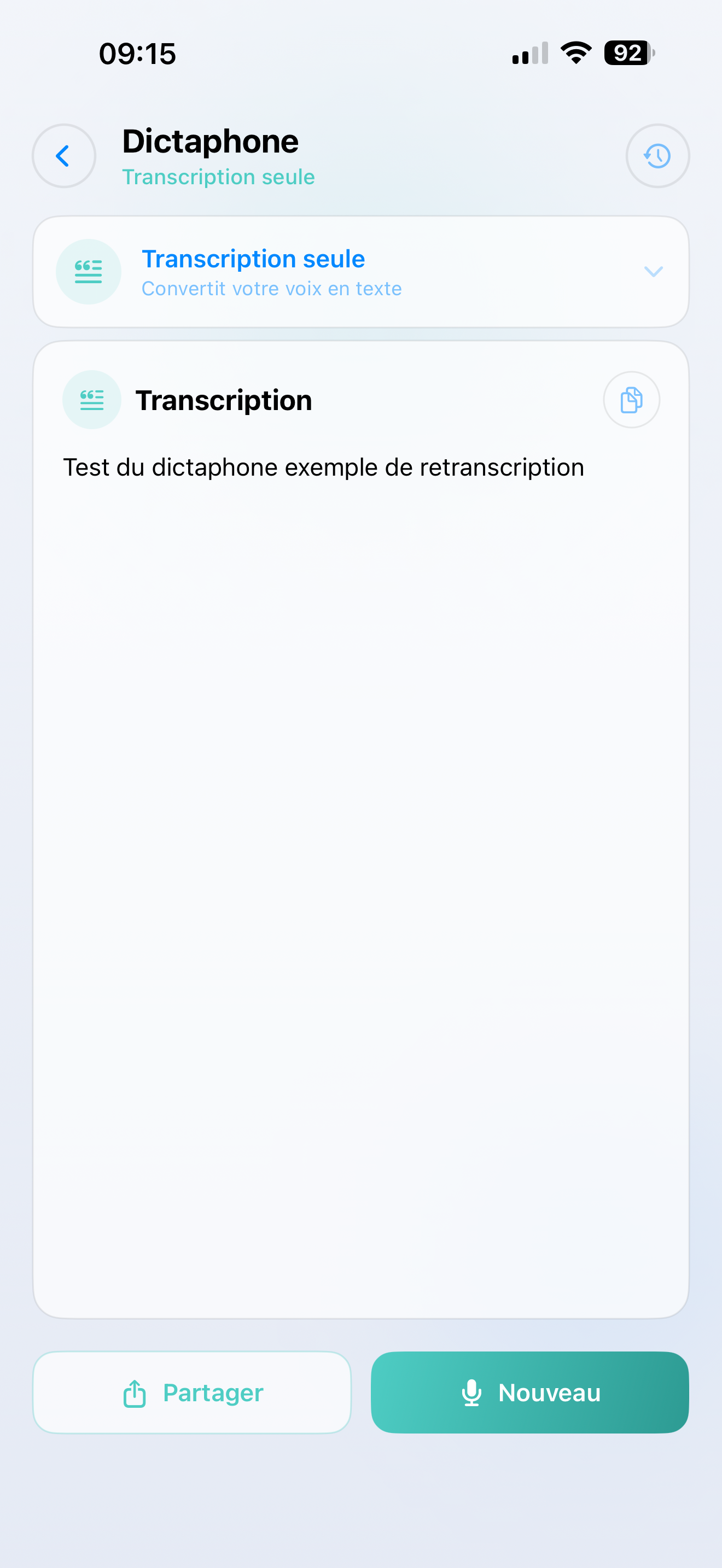
Your audio is transcribed and processed in seconds. The result appears on screen, ready to:
- Copy to clipboard
- Share via Messages, Email, Notes, or any other app
- Review later in your History
About SmartFlows
SmartFlows are custom AI workflows that you set up in your AI SmartTalk back-office. If you haven't created any voice SmartFlows yet, the dictaphone will default to simple transcription.
tip
Want to unlock the full power of the dictaphone? Create a voice SmartFlow in the back-office — like "Meeting Summary" or "Email Drafter" — and it will appear as an option in the app.