Profile & Settings
Your account, your subscription, your preferences — all in one place.
Your account
See your assistant's name, avatar, and your email. You'll also find the app version here.
Subscription & usage
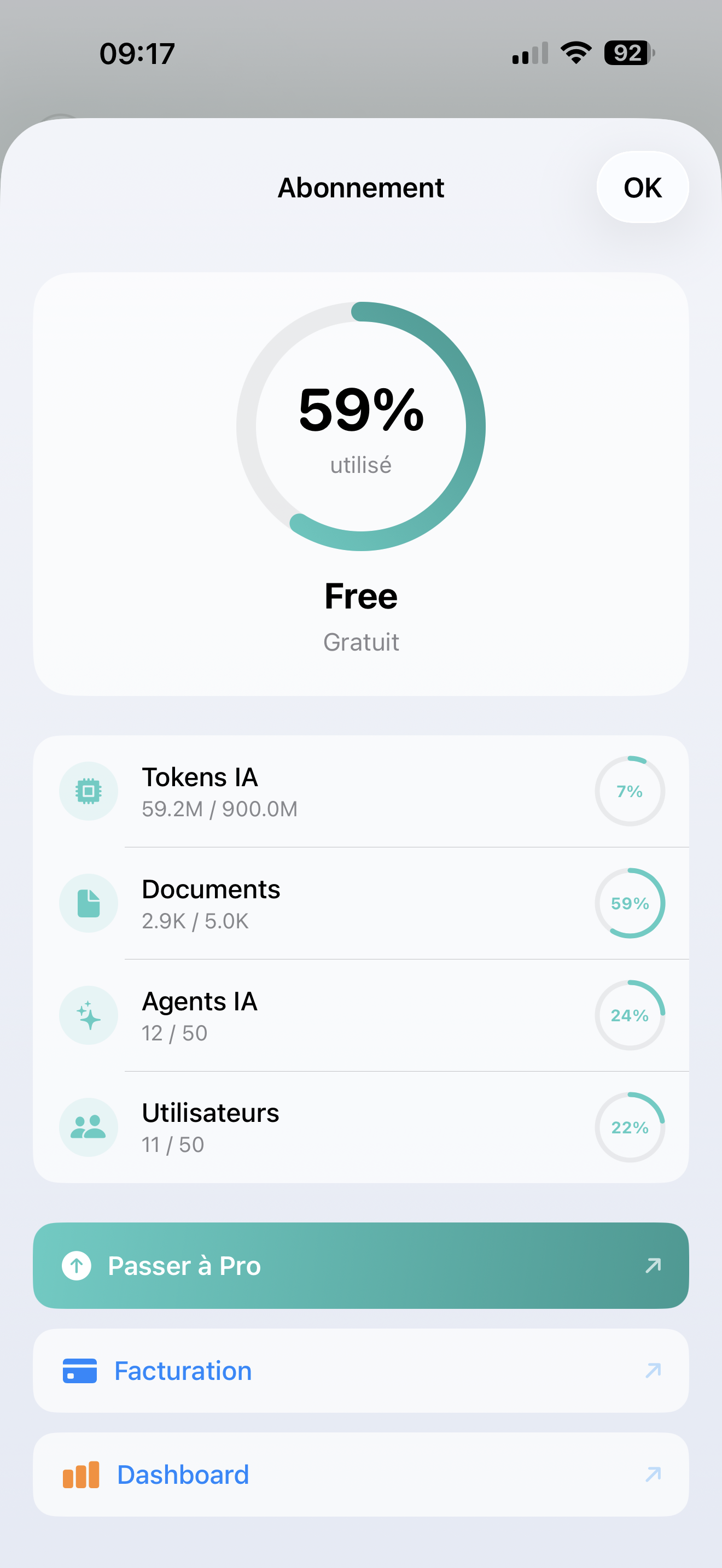
Check where you stand with your plan:
- AI Tokens — how much AI processing you've used
- Documents — knowledge base items used vs. your limit
- AI Agents — how many assistants you've created
- Users — team members on your account
Each metric shows a progress bar so you can see at a glance if you're running low.
Need more?
- Tap Manage subscription to view or change your plan
- Tap Upgrade to Pro to unlock higher limits
App settings
Theme
Choose between System (follows your iPhone), Light, or Dark mode. Your assistant's brand colors are applied on top.
Notifications
Configure which alerts you receive. See Notifications for details.
Language
The app follows your iPhone's language. Currently available in English and French.
Support
- Documentation — you're already here!
- Contact us — reach our support team directly
Signing out
Scroll to the bottom and tap Log out. You'll need to confirm.
Signing out removes all local data for this account (history, cached messages). Your data on aismarttalk.tech is safe — you can always sign back in.