الدردشة
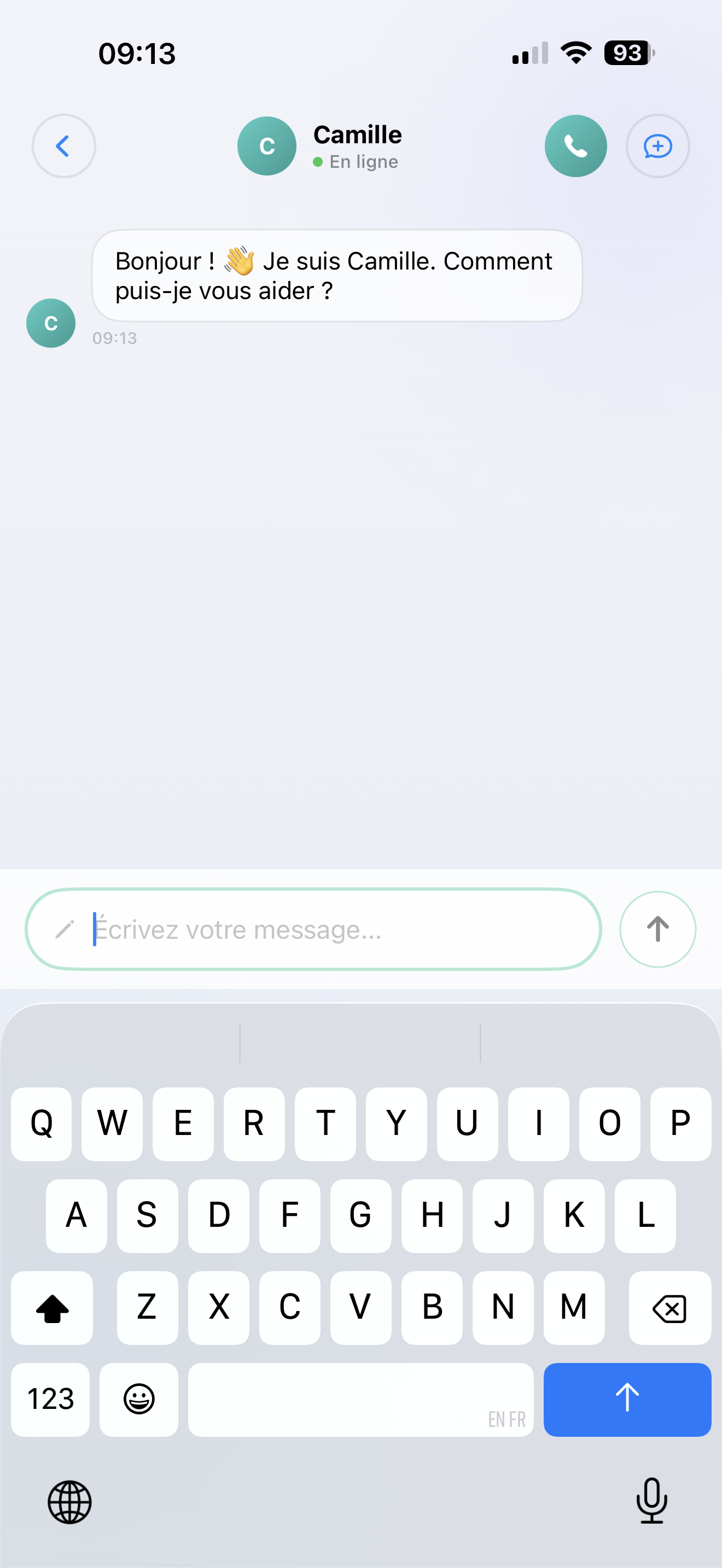
تفضل الكتابة؟ افتح محادثة نصية مع مساعدك الذكي. تظهر الردود في الوقت الحقيقي، كلمة بكلمة — مثل الدردشة مع زميل يعرف كل شيء عن عملك.
كيف تعمل
- اضغط على الدردشة في الشاشة الرئيسية
- اكتب سؤالك أو طلبك
- يرد مساعدك الذكي على الفور
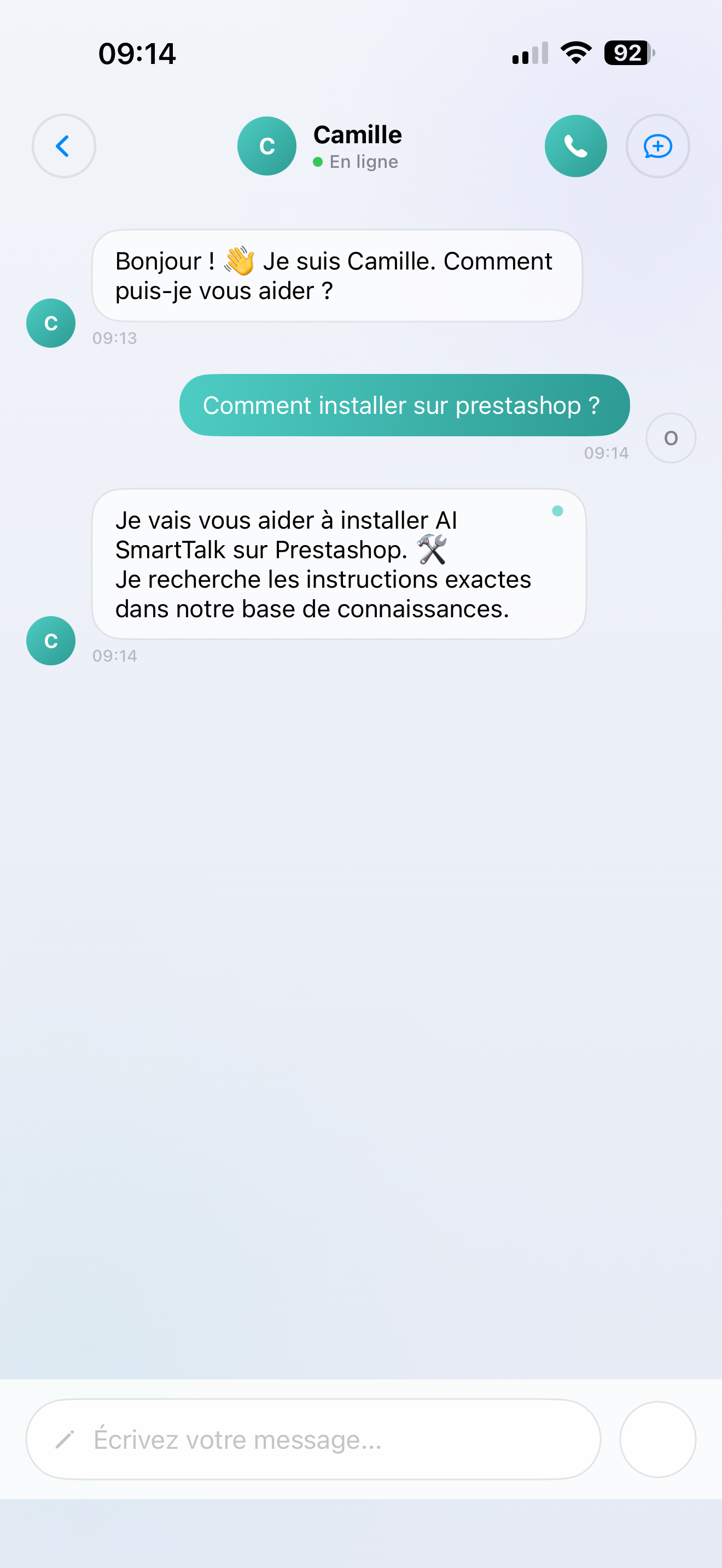
تظهر الإجابات أثناء كتابتها — لا تحتاج إلى الانتظار حتى تكتمل الإجابة.
ماذا يمكن لمساعدك الذكي أن يفعل في الدردشة
يستخدم مساعدك الذكي كل ما قمت بإعداده:
- قاعدة المعرفة الخاصة بك — الوثائق، الأسئلة الشائعة، كتالوجات المنتجات
- سير العمل الخاص بك — الأتمتة المخصصة التي أنشأتها باستخدام SmartFlows
- أدواتك — التقويم، CRM، اتصالات API، والمزيد
إنه نفس الذكاء الاصطناعي الموجود في دردشة موقعك الإلكتروني — نفس المعرفة، نفس الشخصية، نفس القدرات.
ميزات مفيدة
- تنسيق غني — يمكن للذكاء الاصطناعي الرد بنص عريض، نقاط مرجعية، جداول، وحتى كتل كود
- نسخ أي شيء — انسخ بسهولة أجزاء من الرد
- محادثة جديدة — اضغط على "+" لبدء موضوع جديد
- محفوظ تلقائيًا — تذهب كل محادثة إلى التاريخ
نصائح
- اطرح أسئلة متابعة — يتذكر مساعدك الذكي السياق داخل المحادثة
- كن محددًا — "ما هي أفضل أحذيتنا مبيعًا تحت 100€؟" تعمل بشكل أفضل من "أخبرني عن الأحذية"
- ابدأ من جديد عند تغيير المواضيع — اضغط على "+" حتى لا يخلط الذكاء الاصطناعي بين السياقات