Organization Settings
Configure your organization's billing information and details. This information is used for invoicing and tax purposes.
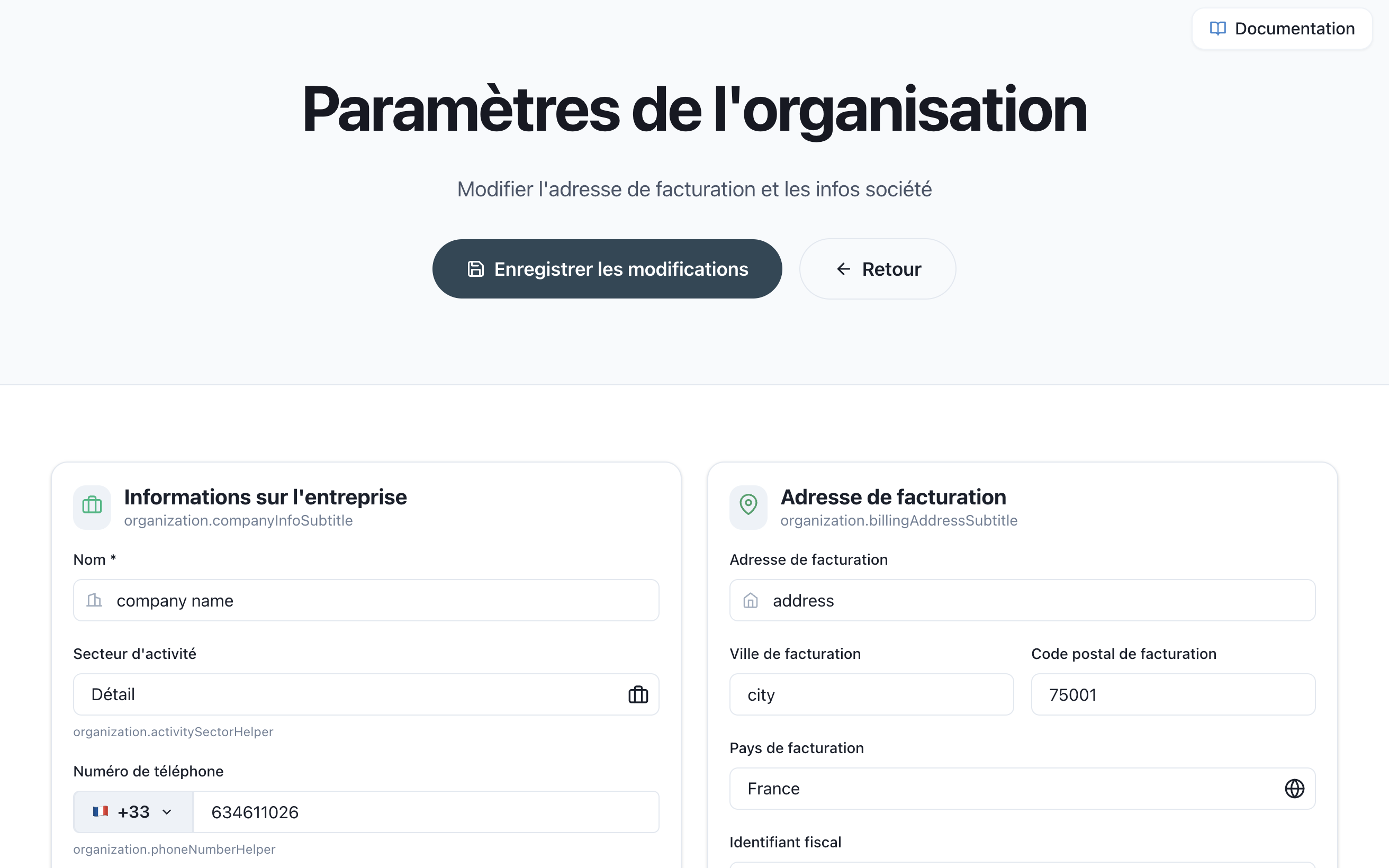
Accessing Organization Settings
From the Organization page, click ⚙️ Organization Settings to access this configuration.
Billing Information
Configure your organization's billing details:
| Field | Description |
|---|---|
| Organization Name | Legal name of your company or organization |
| Country | Your organization's country for tax and billing purposes |
| VAT Code | Your VAT/Tax ID number (required in some countries) |
| Phone Number | Contact phone number for billing inquiries |
| Address | Full billing address |
Updating Your Information
- Navigate to Organization → Organization Settings
- Fill in or update the required fields
- Click Save to apply changes
Note: Changes to billing information will be reflected on future invoices. Previously issued invoices will retain their original information.
VAT and Tax Information
EU Customers
If your organization is registered in the European Union, provide your VAT number to ensure proper tax handling on invoices.
Non-EU Customers
VAT may not be applicable depending on your location. The system will adjust tax calculations based on your country selection.
Related Documentation
- Organization Overview - Main organization dashboard
- Subscription Management - Manage your plan
- Usage Statistics - Monitor consumption