Installation & Connection
This guide walks you through installing and connecting the AI SmartTalk app on your Shopify store.
1. Installing the app
- Go to shopify.aismarttalk.tech
- Enter your Shopify store URL (e.g.,
my-store.myshopify.com) - Review the permissions and click Install app
- The app installs automatically in your Shopify admin
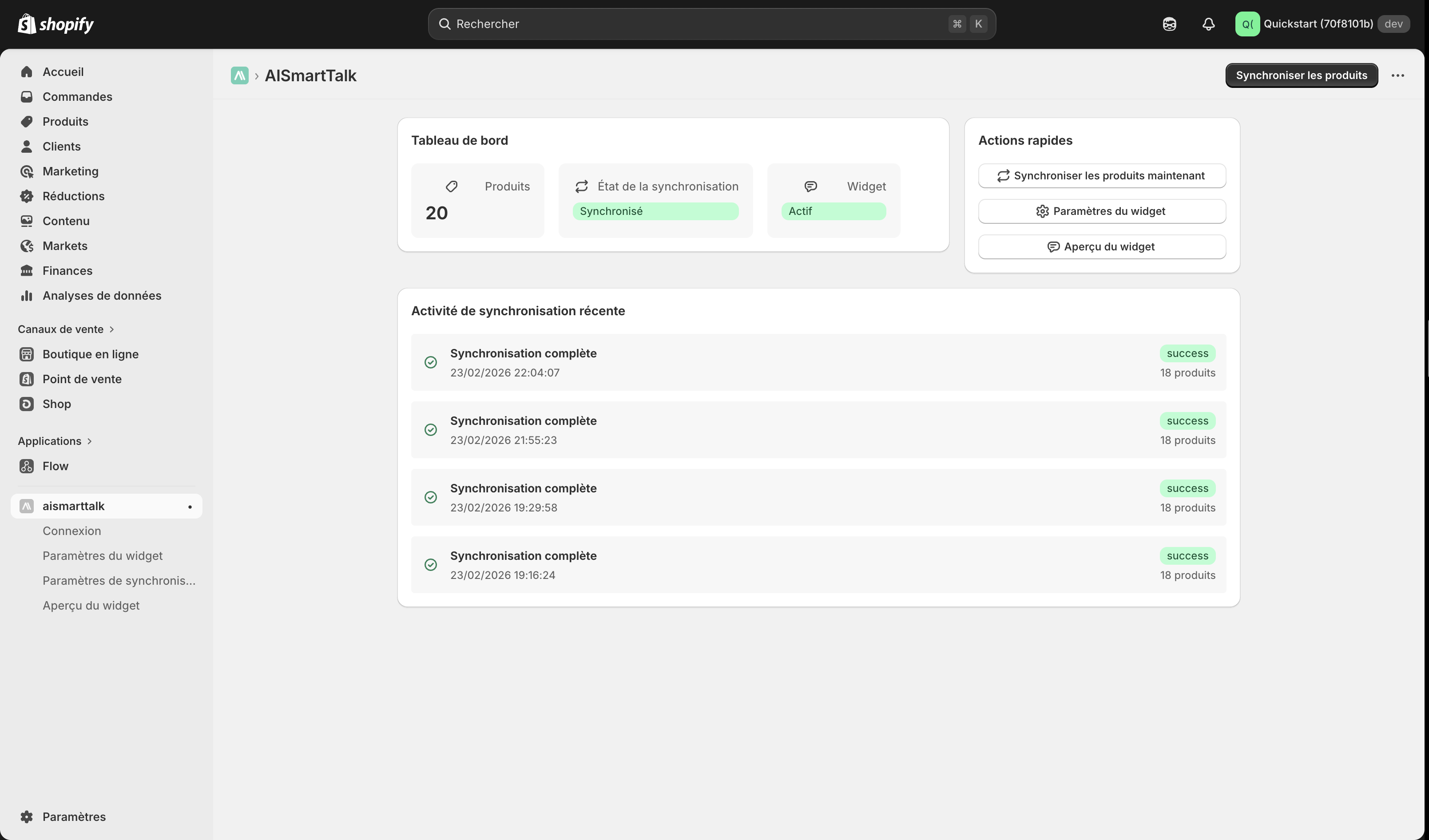
The installation takes just a few seconds. Once installed, the AI SmartTalk app appears in your Shopify admin under Apps.
2. Connecting to AI SmartTalk
The app uses OAuth for a secure, one-click connection between your store and AI SmartTalk.
- After installation, the AI SmartTalk app opens automatically
- Click Connect with AI SmartTalk
If you already have an account
Simply log in with your email and password. You'll be redirected back to Shopify automatically.
If you're new to AI SmartTalk
Click Create an account or sign up here. Fill in your details and you'll be redirected back to Shopify automatically.
The connection is fully secure. Your credentials are never stored in Shopify — only an OAuth token is used.
3. Selecting your AI assistant
Once connected, choose which AI assistant will power your store's chatbot.
Use an existing assistant
If you already have assistants configured in AI SmartTalk:
- Select the assistant you want from the dropdown list
- Click Save
Create a new assistant
If you don't have an assistant yet:
- Click the Create button
- A window opens with available templates
- Choose a template that fits your needs (e.g., "E-commerce", "Customer Support")
- Your new assistant is created and automatically selected
- Click Save
4. Multi-site setup
If you manage multiple Shopify stores and want them all connected to the same AI SmartTalk assistant, the app supports multi-site out of the box.
How it works
- Each Shopify store connects independently via OAuth
- Each store is identified by its Shopify domain (e.g.,
my-store.myshopify.com) - All stores share the same AI assistant but maintain separate configurations
Connecting additional stores
Simply repeat the installation process on each Shopify store. AI SmartTalk will automatically detect and register each store.
In your AI SmartTalk dashboard, you'll see all connected stores listed under the Shopify integration page, with their status and connection date.
What's next?
Your app is installed and connected. Next steps:
- Sync your store data — Feed your AI with your product catalog
- Customize the chatbot — Make it match your brand