Dashboard
Ihr Startbildschirm gibt Ihnen einen Live-Einblick, wie Ihr KI-Assistent abschneidet. Sehen Sie, was passiert, erkennen Sie Trends und wissen Sie, wo Sie den Fokus setzen sollten.
Wichtige Zahlen
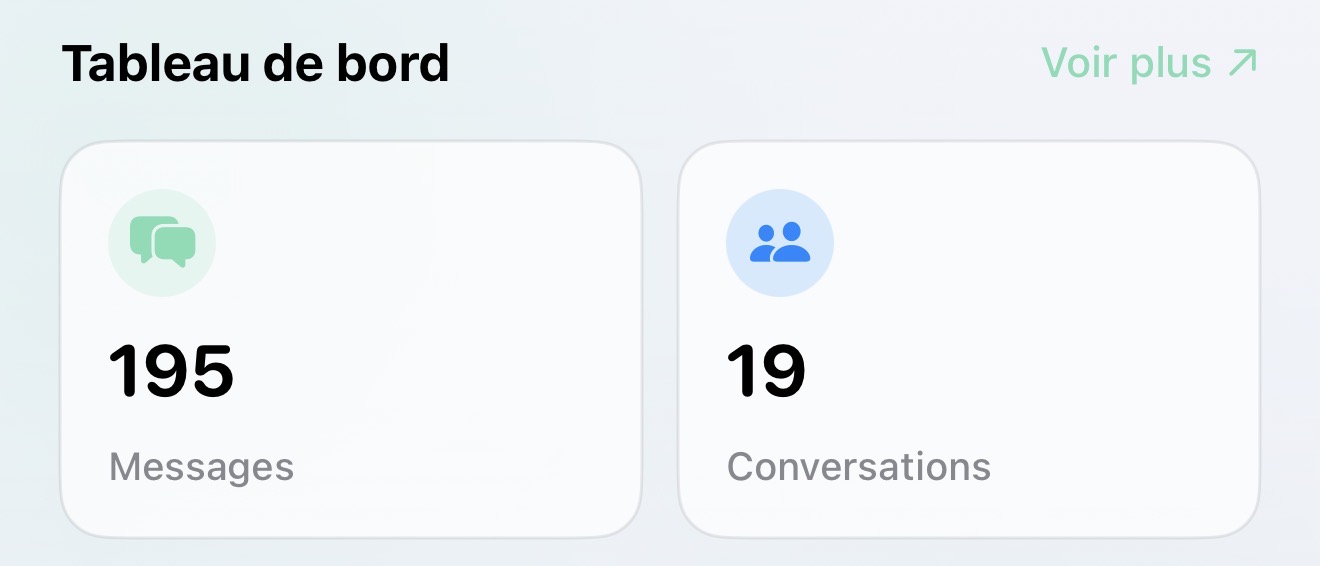
Vier Karten oben zeigen Ihnen das Wesentliche:
- Nachrichten — Gesamtanzahl der Nachrichten, die Ihr KI bearbeitet hat
- Gespräche — Anzahl der Kundenstränge
- Aktive Kanäle — wie viele Plattformen Verkehr erhalten
- Dokumente — Inhalte in der Wissensdatenbank Ihrer KI
Jede Karte zeigt, ob die Zahlen im Vergleich zur letzten Woche steigen oder fallen (z. B. "+12%" in grün bedeutet Wachstum).
Wöchentliche Aktivität
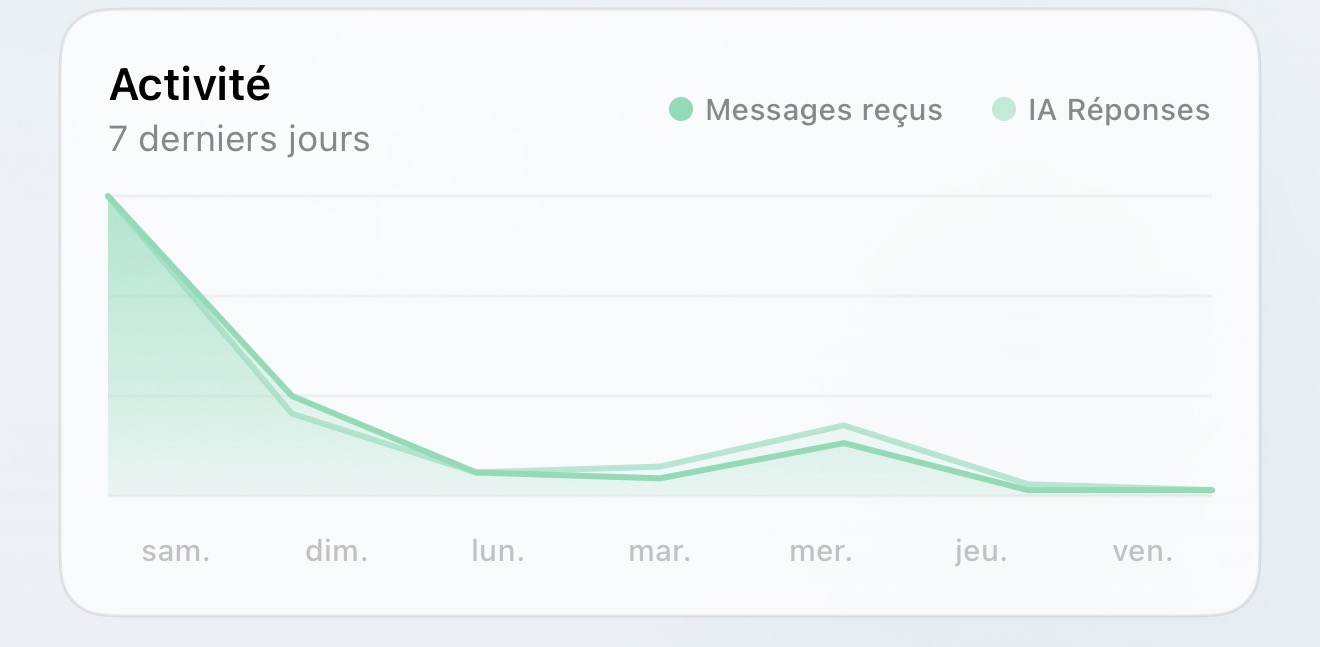
Ein einfaches Diagramm, das die letzten 7 Tage der Aktivität zeigt:
- Wie viele Kunden-Nachrichten an jedem Tag eingegangen sind
- Wie viele KI-Antworten automatisch gesendet wurden
Dies hilft Ihnen, geschäftige Tage, ruhige Tage und ob Ihre KI mithalten kann, zu erkennen.
Spitzenzeiten
Sehen Sie, welche Stunden des Tages am geschäftigsten sind. Nützlich für:
- Zu wissen, wann Kunden am aktivsten sind
- Zu planen, wann ein Mensch als Unterstützung verfügbar sein sollte
- Die Gewohnheiten Ihres Publikums zu verstehen
Schneller Zugriff
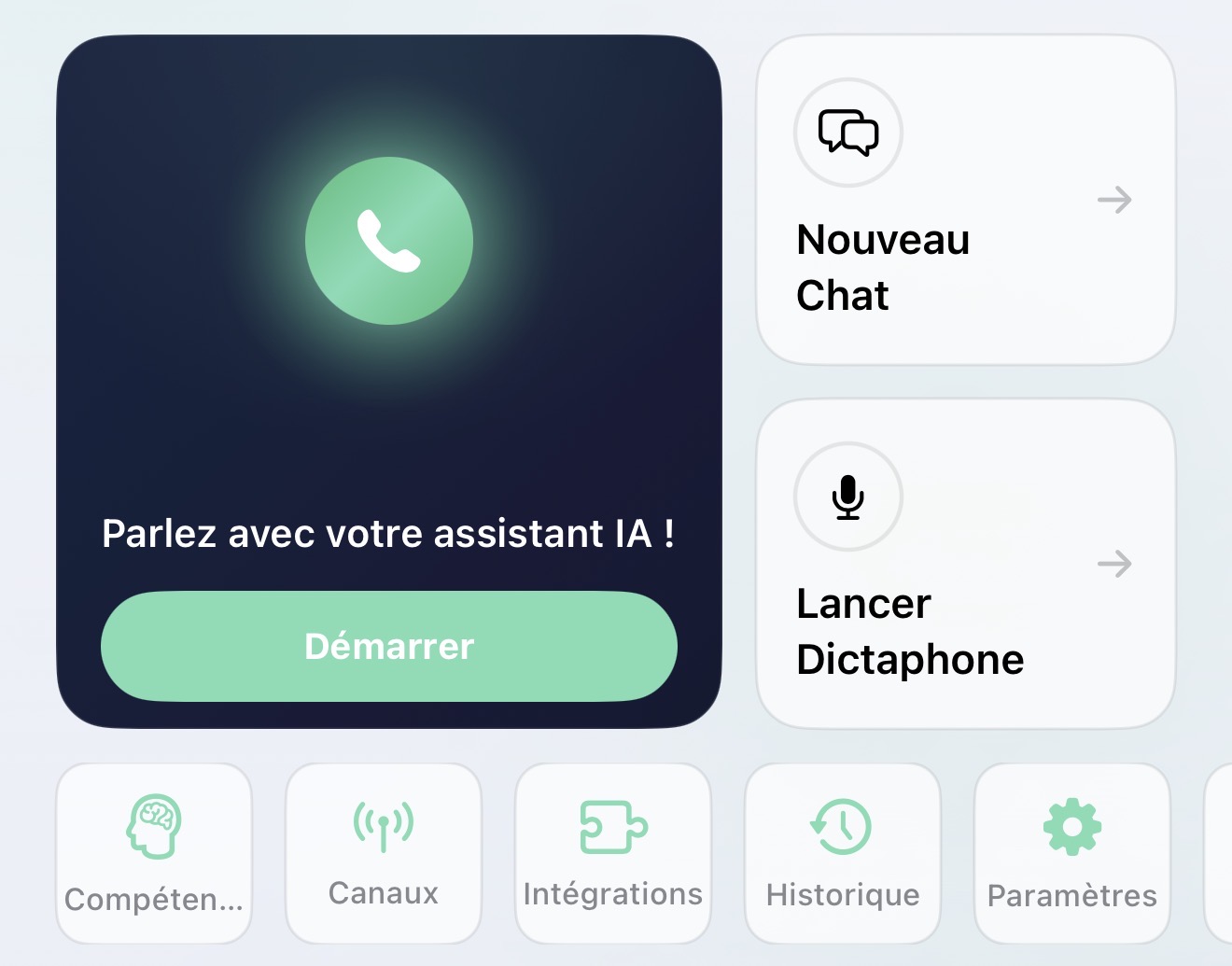
Unter den Statistiken finden Sie Schnellzugriffskarten auf alles in der App – Posteingang, Chat, Sprachanruf, Diktiergerät, Verlauf und mehr. Tippen Sie einfach, um einzusteigen.
Die Statistiken sind die gleichen wie auf Ihrem Web-Dashboard. Alles bleibt synchron.