Gautieji pranešimai
Kiekvienas klientų pranešimas, iš kiekvienos platformos, vienoje vietoje. Jokių daugiau perjunginėjimų tarp WhatsApp, Facebook, Instagram ir el. pašto — viskas čia.
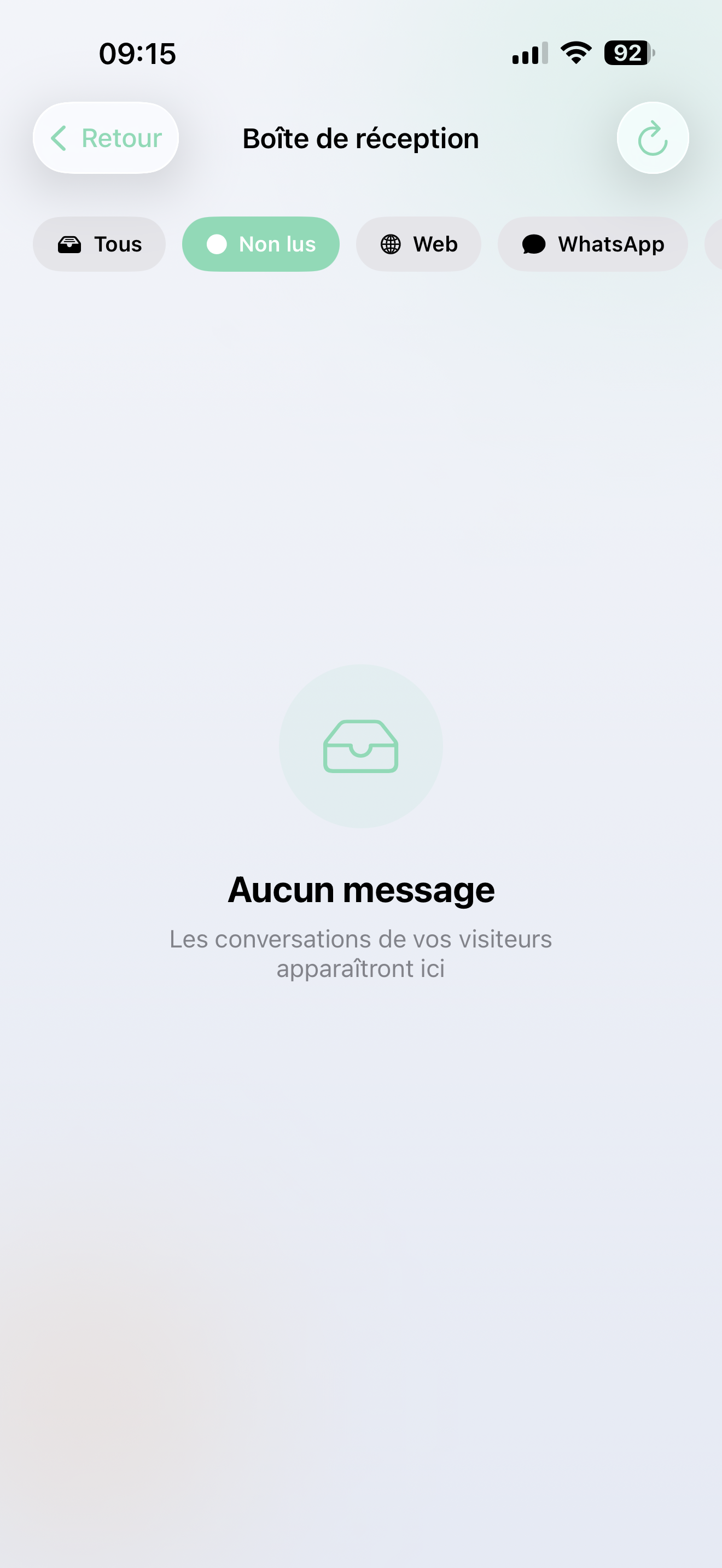
Visos jūsų kanalai, vieni gautieji pranešimai
Pranešimai iš 20+ platformų automatiškai patenka į jūsų gautuosius pranešimus:
- WhatsApp · Facebook Messenger · Instagram DMs
- El. paštas / Gmail · SMS
- Internetinis pokalbis (jūsų svetainės chatbotas)
- Slack · Discord · Telegram
- Ir dar daugiau — balsas, Google Meet, API integracijos...
Kiekvienas pokalbis rodo, iš kurios platformos jis atėjo, todėl visada žinote kontekstą.
Rasti, kas svarbu
Naudokite filtrų juostą viršuje, kad sutelktumėte dėmesį:
- Visi — viskas
- Neskaitomi — pokalbiai, kuriems reikia jūsų dėmesio
- WhatsApp / Facebook / Instagram / El. paštas / Internetas — filtruoti pagal platformą
Neskaitomi pokalbiai turi mėlyną tašką, todėl jie išsiskiria.
Skaitymas ir atsakymas
Paspauskite pokalbį, kad pamatytumėte visą siūlą. Pamatysite:
- Ką klientas pasakė
- Ką jūsų AI atsakė
- Bet kokius pranešimus iš jūsų komandos (žmogiškųjų agentų)
Reikia įsikišti?
Įrašykite pranešimą apačioje, kad atsakytumėte kaip žmogaus agentas. Tai puiku:
- Tvarkant sudėtingus užklausimus, kuriuos AI perdavė
- Pridedant asmeninį prisilietimą svarbiam klientui
- Perimant, kai AI reikia pagalbos
Pokalbiai yra žymimi kaip perskaityti automatiškai, kai juos atidarote.
Būkite informuoti
- Ženkliukas pagrindiniame ekrane — rodo, kiek turite neskaitomų pranešimų
- Push pranešimai — gauti pranešimus iš karto apie naujus pranešimus (žr. Pranešimai)
- Paspauskite pranešimą — tiesiai į tinkamą pokalbį
Pranešimų nustatymai
Paspauskite varpelio ikoną gautųjų pranešimų antraštėje, kad sukonfigūruotumėte, kurie pranešimai sukelia pranešimą. Žr. Pranešimai išsamiems duomenims.
Jūsų gautieji pranešimai sinchronizuojasi su internetiniu administravimo centru. Atsakymai, kuriuos siunčiate iš programėlės, pasirodo internete — ir atvirkščiai.