Εισερχόμενα
Κάθε μήνυμα πελάτη, από κάθε πλατφόρμα, σε ένα μέρος. Χωρίς περισσότερες εναλλαγές μεταξύ WhatsApp, Facebook, Instagram και email — όλα είναι εδώ.
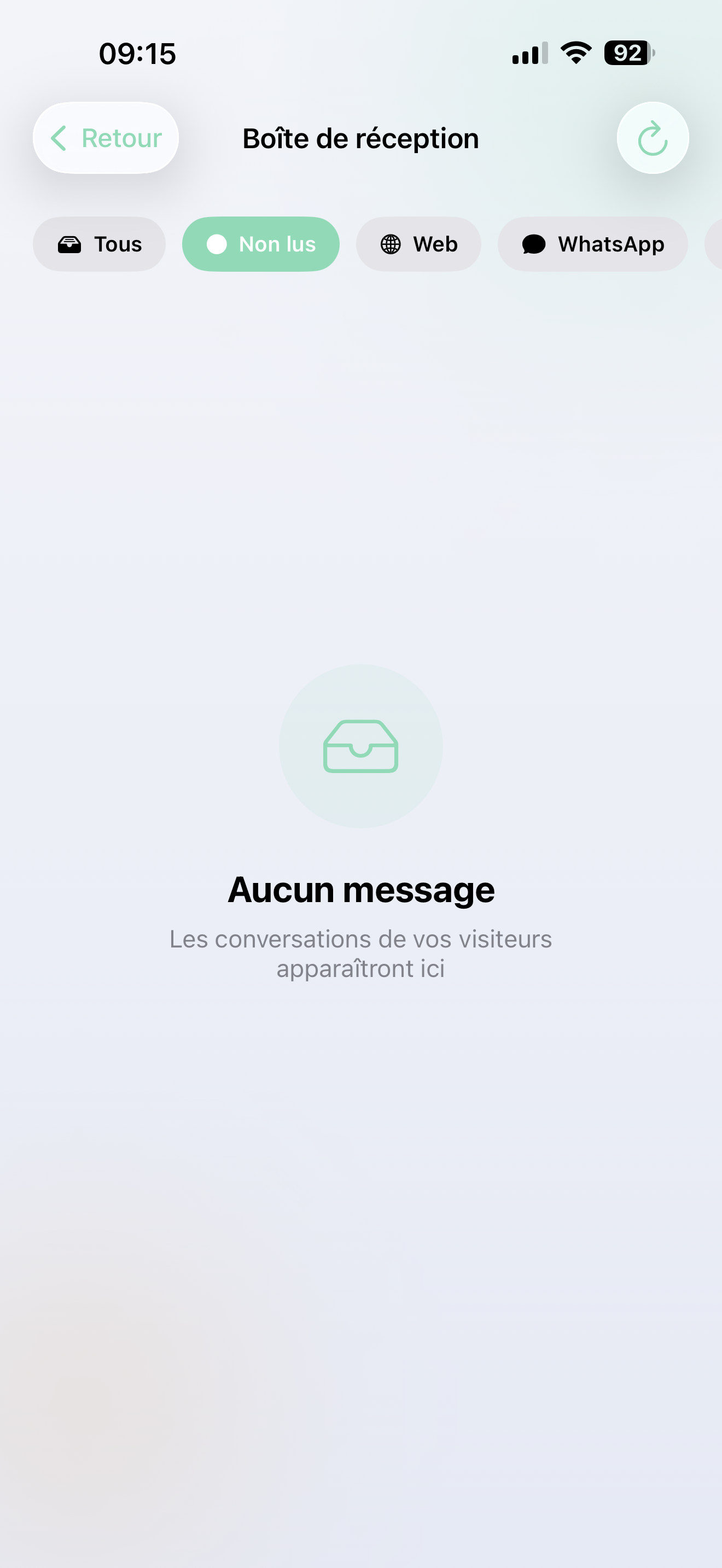
Όλα τα κανάλια σας, ένα inbox
Μηνύματα από 20+ πλατφόρμες φτάνουν αυτόματα στο inbox σας:
- WhatsApp · Facebook Messenger · Instagram DMs
- Email / Gmail · SMS
- Web chat (το chatbot της ιστοσελίδας σας)
- Slack · Discord · Telegram
- Και άλλα — Φωνή, Google Meet, API integrations...
Κάθε συνομιλία δείχνει από ποια πλατφόρμα προήλθε, ώστε να γνωρίζετε πάντα το πλαίσιο.
Εύρεση αυτού που έχει σημασία
Χρησιμοποιήστε τη γραμμή φίλτρου στην κορυφή για να εστιάσετε:
- Όλα — τα πάντα
- Αδιάβαστα — συνομιλίες που χρειάζονται την προσοχή σας
- WhatsApp / Facebook / Instagram / Email / Web — φίλτρο κατά πλατφόρμα
Οι αδιάβαστες συνομιλίες έχουν μια μπλε κουκίδα ώστε να ξεχωρίζουν.
Ανάγνωση και απάντηση
Πατήστε σε μια συνομιλία για να δείτε ολόκληρη τη ροή. Θα δείτε:
- Τι είπε ο πελάτης
- Τι απάντησε η AI σας
- Οποιαδήποτε μηνύματα από την ομάδα σας (ανθρώπινοι πράκτορες)
Χρειάζεστε να παρέμβετε;
Πληκτρολογήστε ένα μήνυμα στο κάτω μέρος για να απαντήσετε ως ανθρώπινος πράκτορας. Αυτό είναι ιδανικό για:
- Διαχείριση σύνθετων αιτημάτων που η AI ανέβασε
- Προσθήκη προσωπικής πινελιάς σε έναν σημαντικό πελάτη
- Ανάληψη όταν η AI χρειάζεται υποστήριξη
Οι συνομιλίες σημαίνονται ως αναγνωσμένες αυτόματα όταν τις ανοίγετε.
Μείνετε ενημερωμένοι
- Εικονίδιο στο Αρχικό οθόνη — δείχνει πόσα αδιάβαστα μηνύματα έχετε
- Push notifications — ειδοποιηθείτε άμεσα για νέα μηνύματα (δείτε Ειδοποιήσεις)
- Πατήστε σε μια ειδοποίηση — πηγαίνει κατευθείαν στη σωστή συνομιλία
Ρυθμίσεις ειδοποιήσεων
Πατήστε το εικονίδιο καμπάνας στην κεφαλίδα του inbox για να ρυθμίσετε ποια μηνύματα ενεργοποιούν μια ειδοποίηση. Δείτε Ειδοποιήσεις για λεπτομέρειες.
Το inbox σας συγχρονίζεται με το web back-office. Οι απαντήσεις που στέλνετε από την εφαρμογή εμφανίζονται στο διαδίκτυο — και το αντίστροφο.