SMS / Text Messages
Use AI SmartTalk’s built‑in phone numbers—or your own—to send and receive plain text messages with customers.
1 Prerequisites
| Requirement | Details |
|---|---|
| Admin access to AI SmartTalk | You need permission to open Settings → SMS / Text Messages. |
| Text Messages add‑on active | Included in some plans, or purchasable à‑la‑carte. |
| (Optional) Your own SMS‑capable number | If you don’t want to use a shared number. |
2 Connect a number
2.1 Use a default AI SmartTalk number
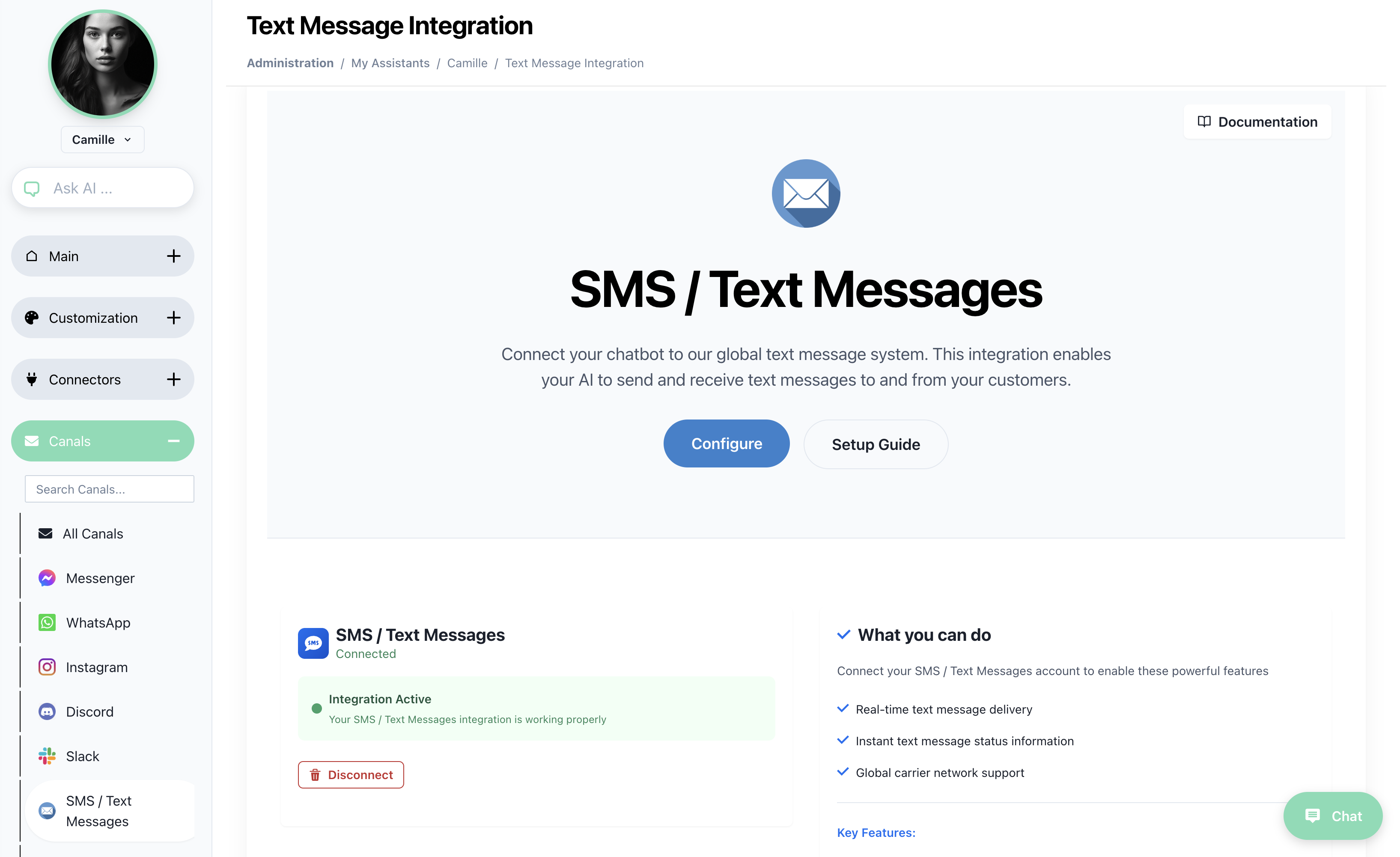
- Open Settings → SMS / Text Messages.
- Click Configure.
- In the Number dropdown, pick one of the available AI SmartTalk shared numbers (these are ready to use instantly).
- Save – status changes to Connected.
2.2 Request a custom number
If you need a branded sender ID or a local country code not listed:
- Click Request custom number in the dialog, or email contact+support@aismarttalk.tech.
- Support will provision the number, link it to your workspace, and notify you by email.
- Return to step 1 and select the new number from the dropdown.
3 How messaging works
- Outbound – You can compose an SMS from the Communication page (green “New” button).
Select Text Message as the channel; the message is sent from the number configured above. - Inbound – When someone replies, AI SmartTalk creates a new thread in Chat with the 💬 SMS icon and the full conversation history.
One inbox for everything
SMS conversations sit alongside Messenger, WhatsApp, Instagram, and web chats—no extra setup.
4 Managing numbers
| Task | How |
|---|---|
| Pause sending | Toggle Enabled → Off next to the number. |
| Switch to a different shared number | Configure → pick a new number → Save. |
| Disconnect completely | Click Disconnect (red); outbound messages will be blocked until a number is added again. |
5 Troubleshooting
| Symptom | Likely cause | Fix |
|---|---|---|
| “Add‑on required” banner | Workspace has no SMS add‑on | Enable it in Billing or contact Sales. |
| SMS arrives late | Carrier throttling | Use a custom local number for higher throughput. |
| Replies aren’t showing in Chat | Webhook disabled by provider | Contact Support—AI SmartTalk numbers should already be wired; custom numbers need manual webhook setup. |
Related guides
Your SMS channel is live—start texting customers right away!